
Budgeting / Bundle collection
Ultimate Personal Finance Bundle
Four core tools for everyday money decisions.
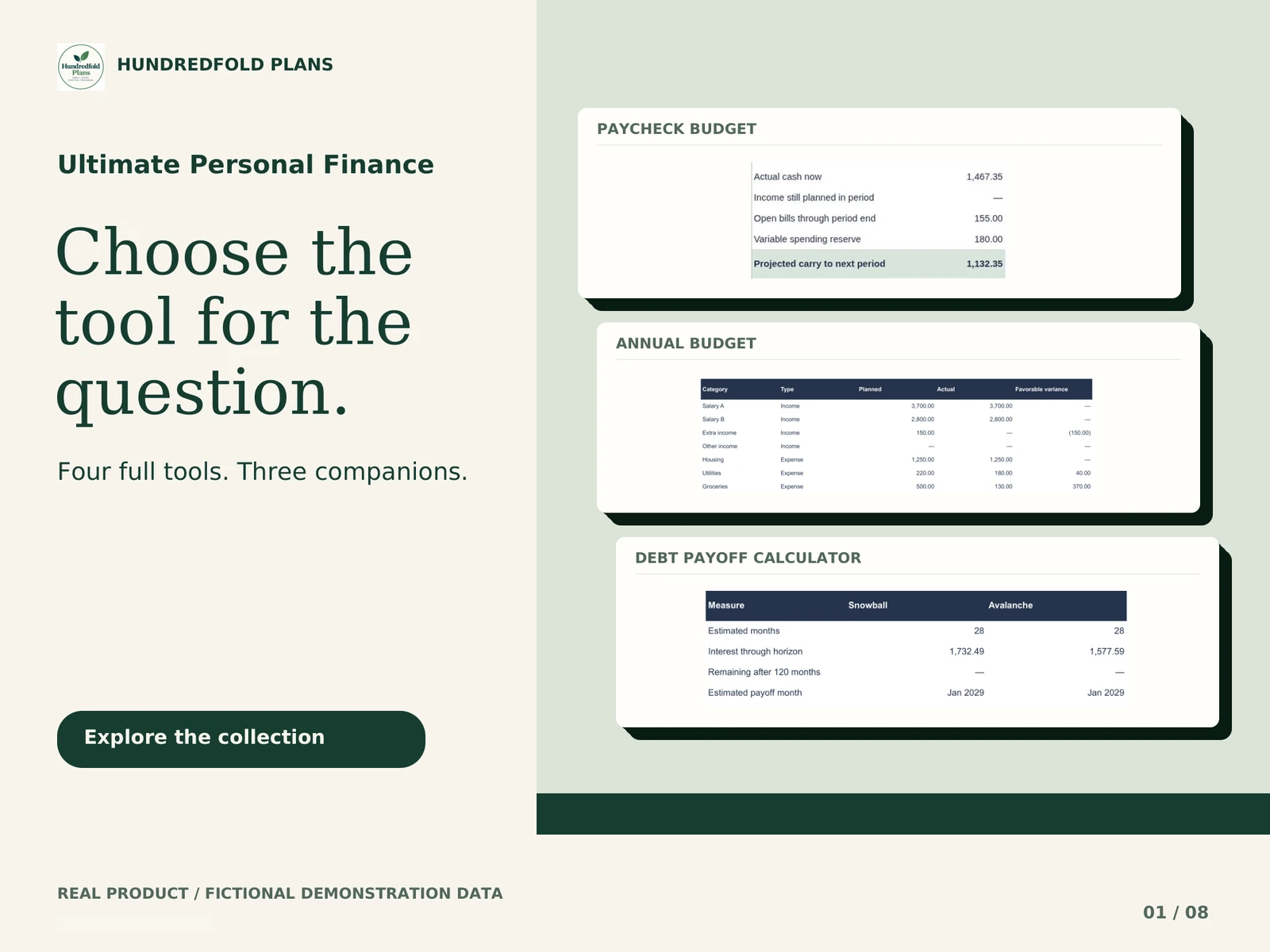
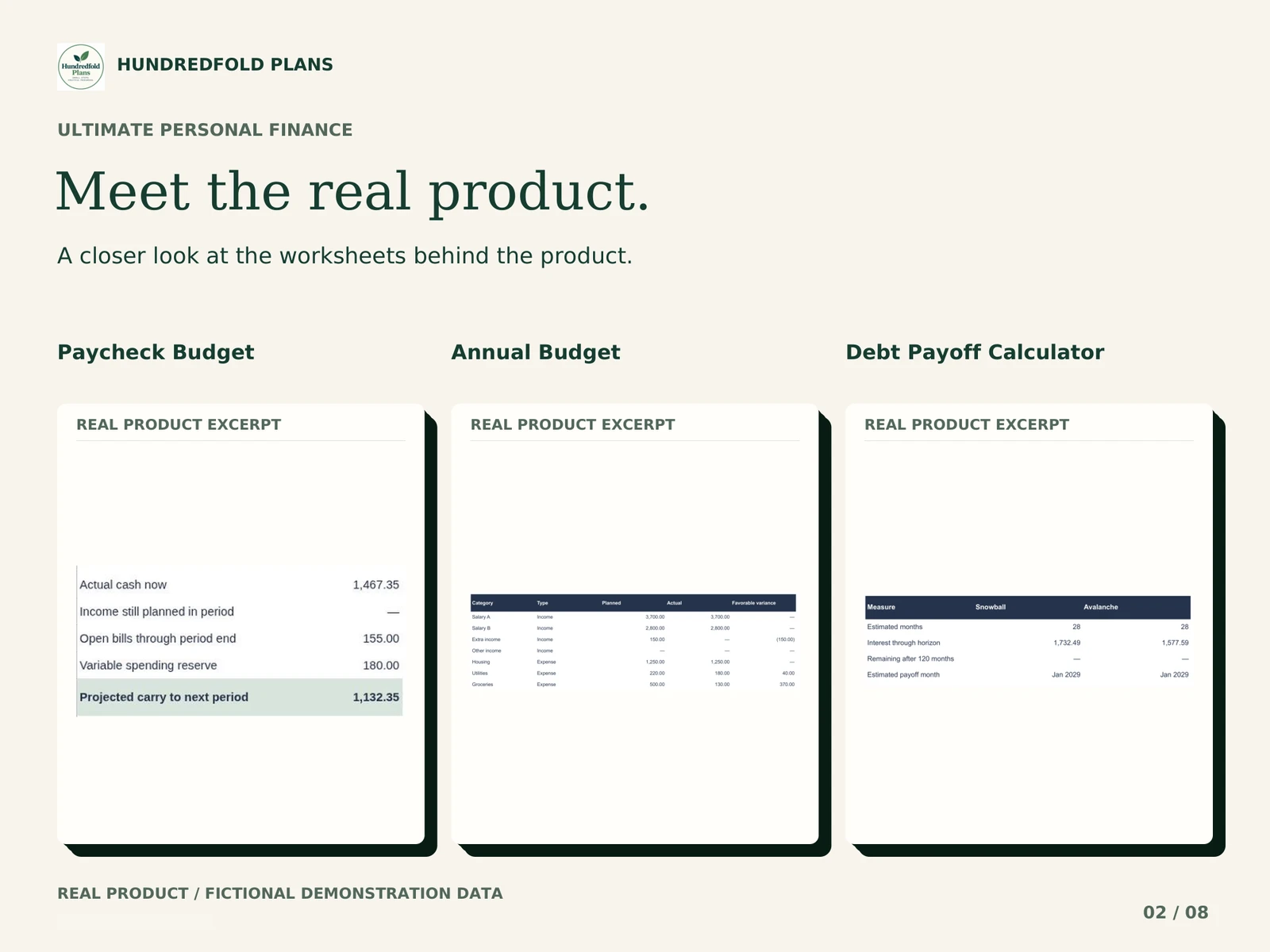
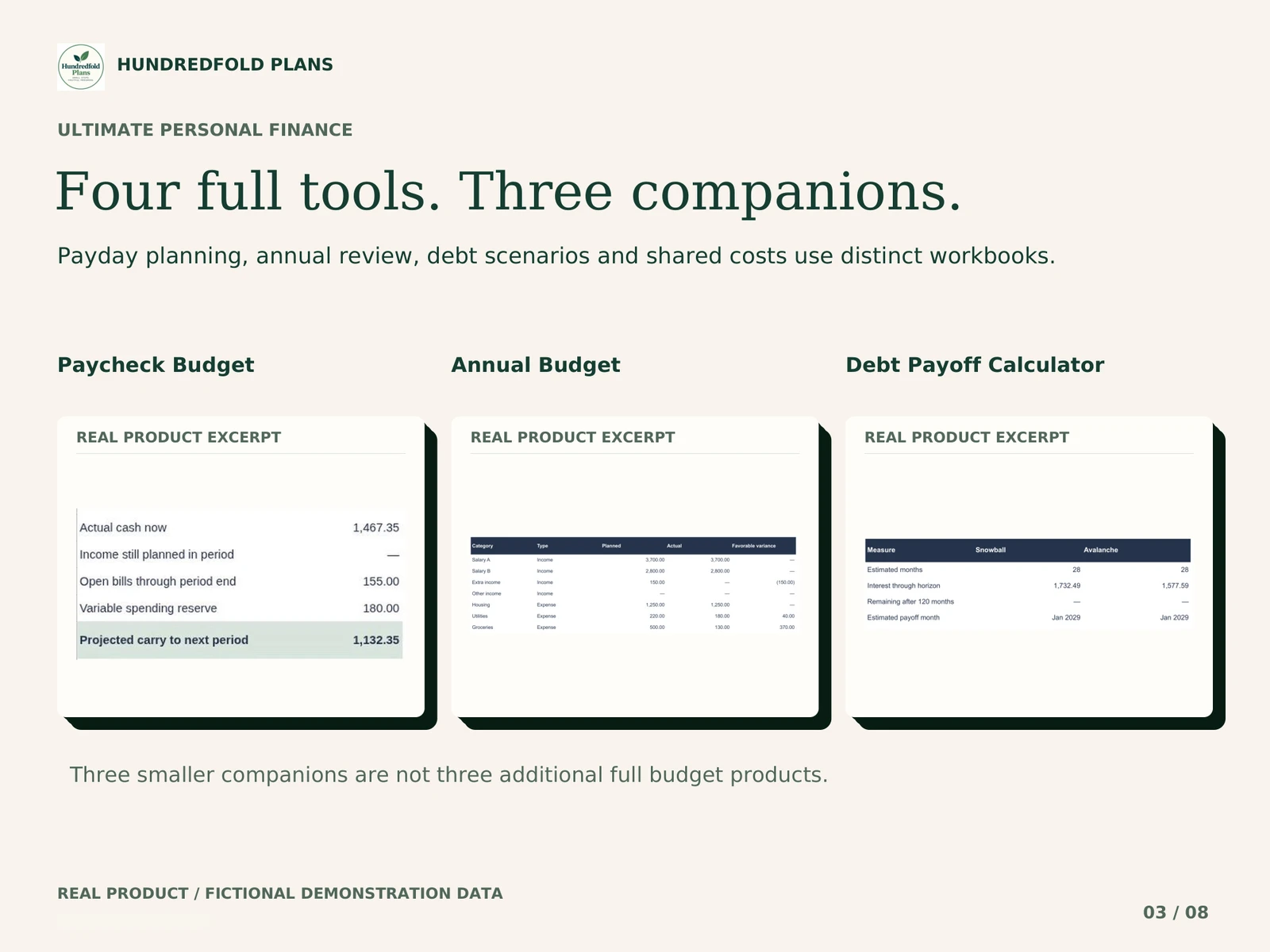
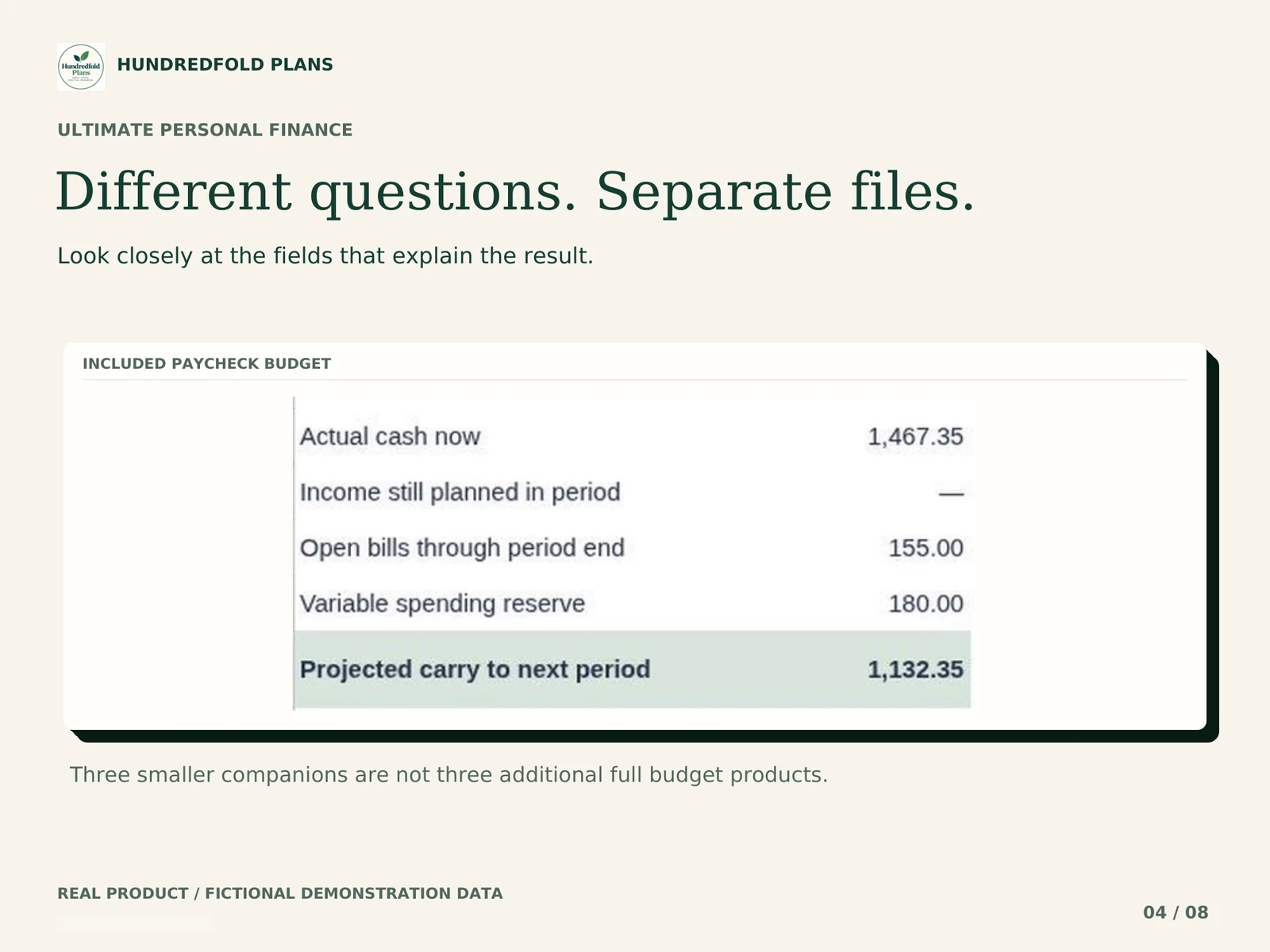
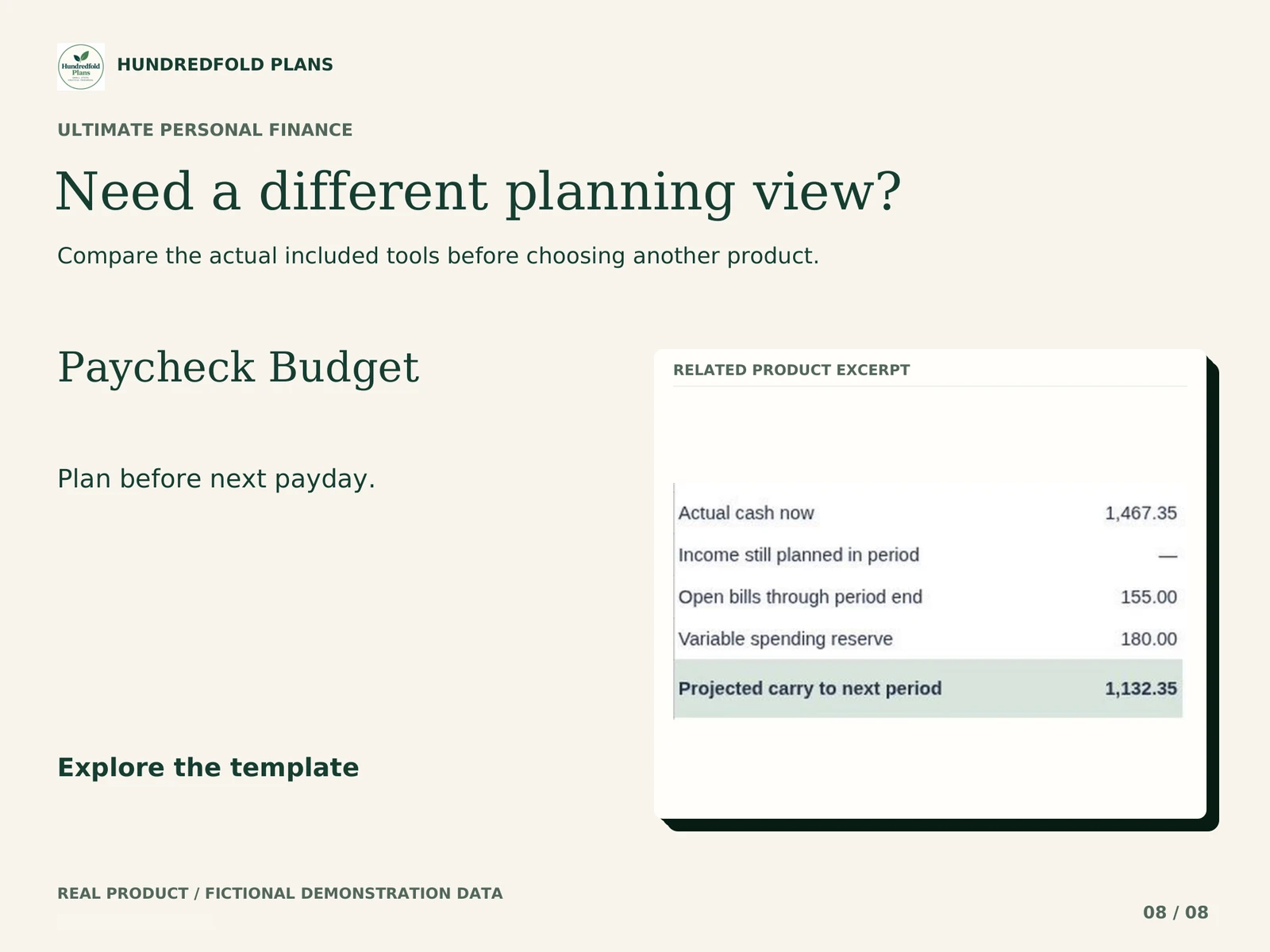



Real workbook previews · Fictional example data · Swipe to browse, select an image to enlarge.
- 4 complete tools
- 3 mini companions
- CLEAN + DEMO
$39.90 USD
Base USD price. Final total and any applicable tax appear at checkout.
BUY NOW- Instant digital delivery
- Secure Lemon checkout
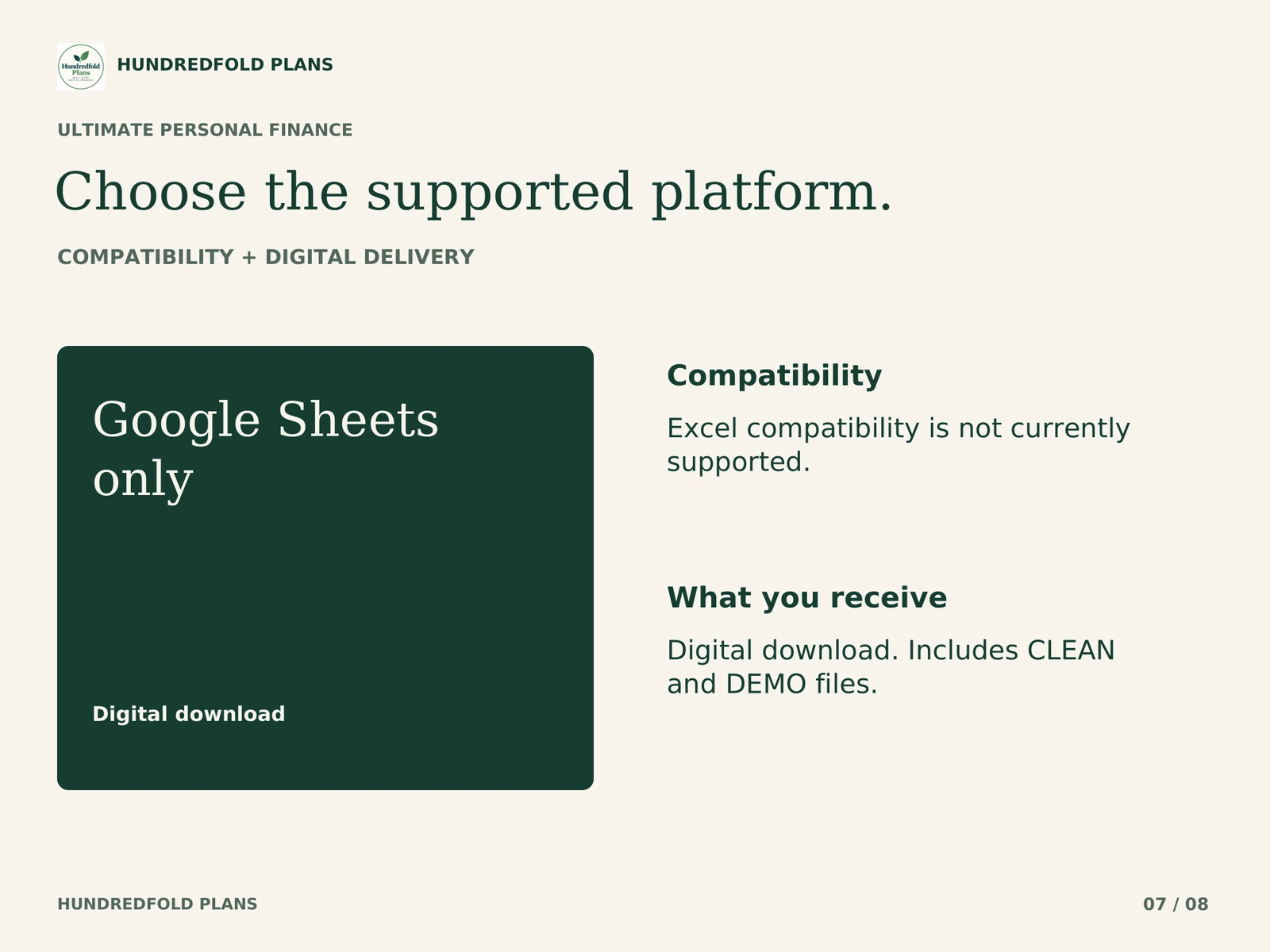
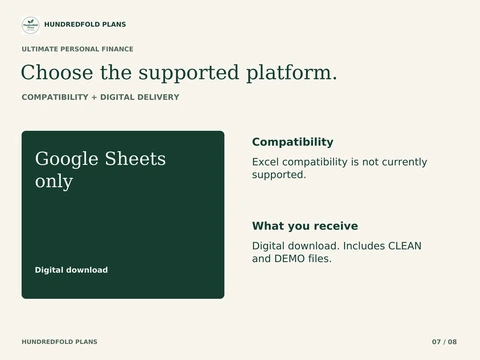
Google Sheets only
Excel compatibility is not currently supported.
Check software & setup detailsDigital download. Includes CLEAN and DEMO files. No physical item. Your download is available after payment, with access through your order confirmation.
A focused workflow
Make the next review clearer.
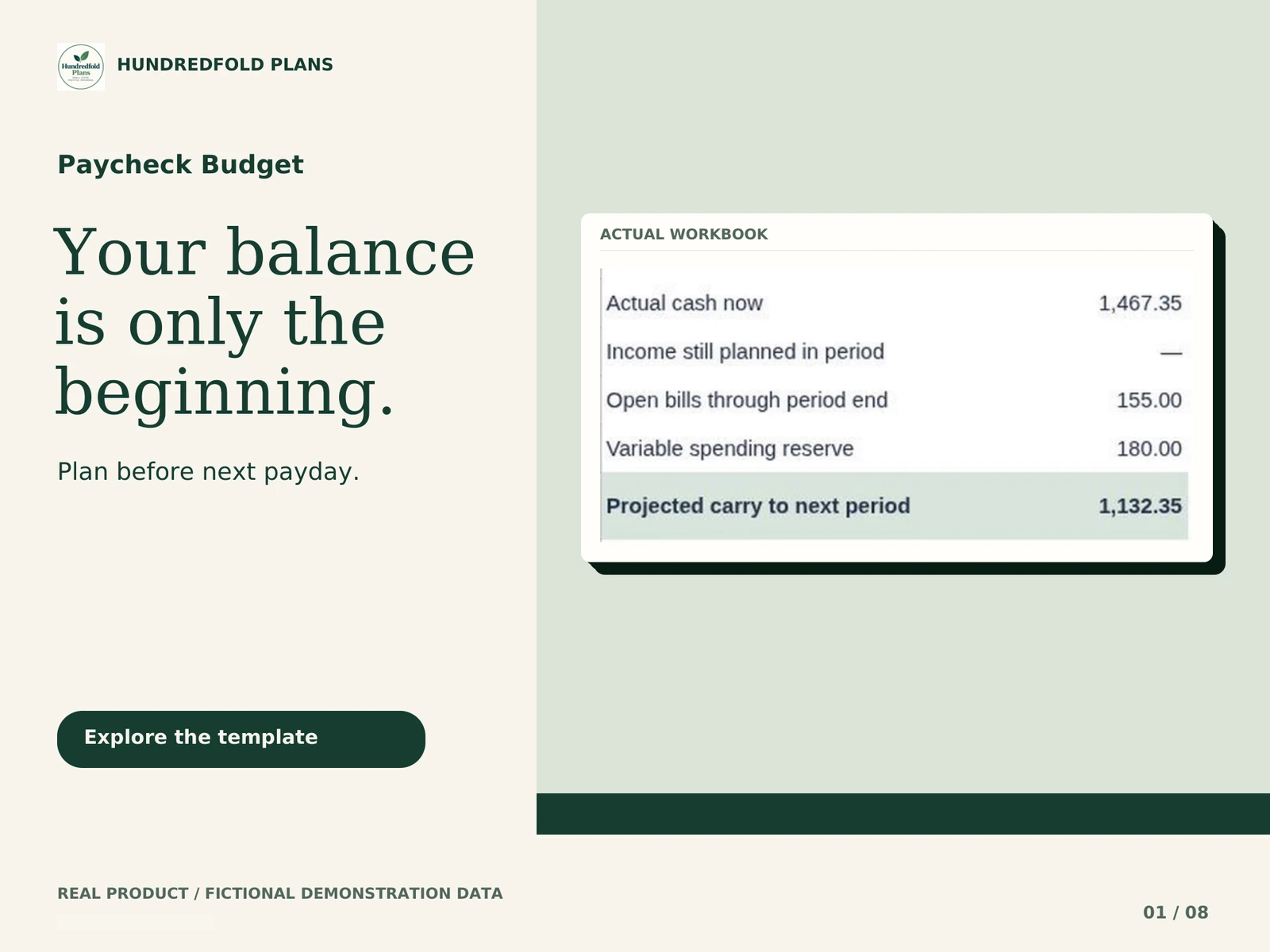
PAYCHECK BUDGET
Know what is due before payday.
ANNUAL BUDGET
See the whole year. Review one month.
DEBT PAYOFF CALCULATOR
Compare snowball and avalanche paths.
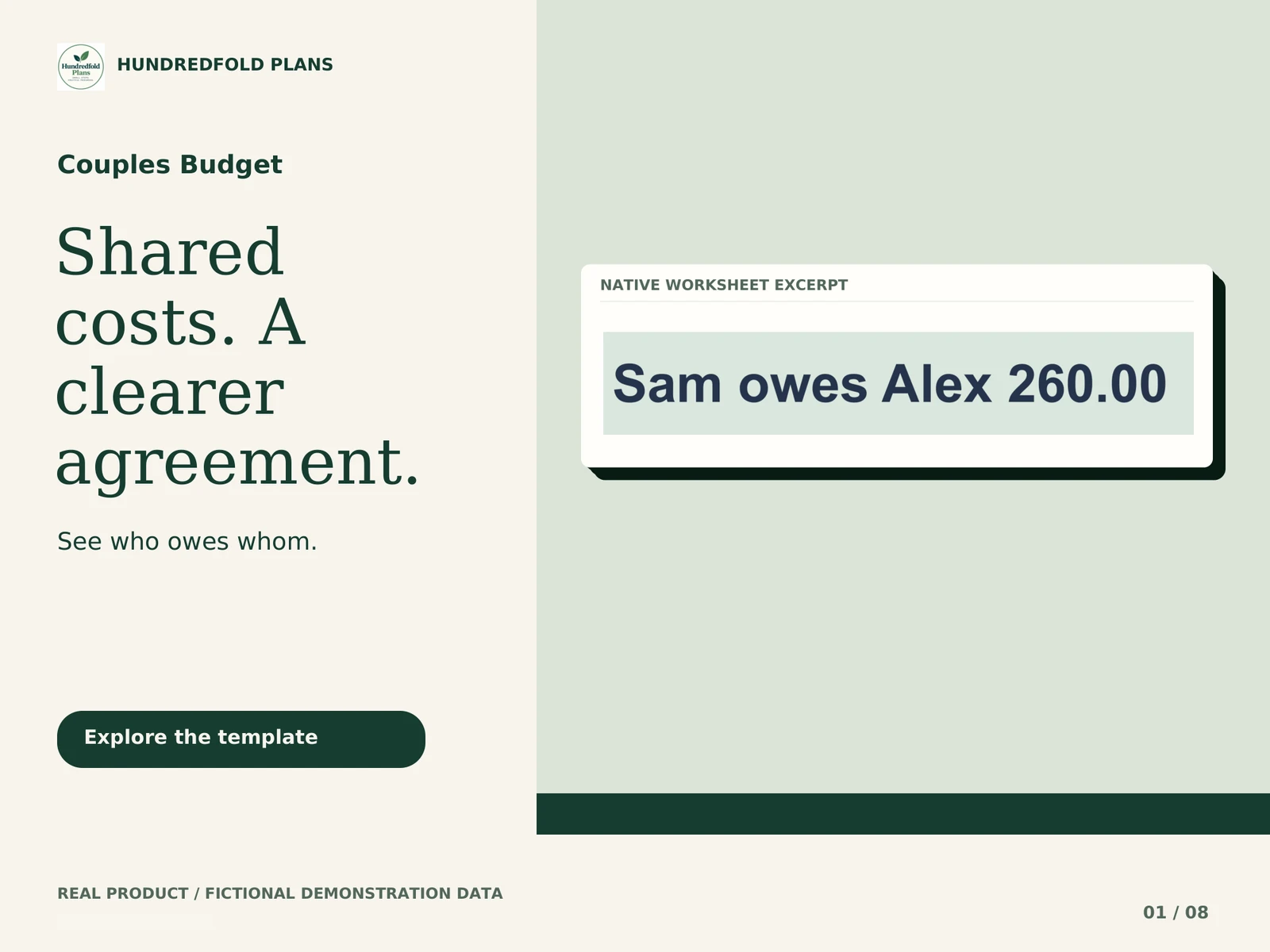
COUPLES BUDGET
See shared costs. Know who owes whom.
Separate workbooks with no automatic sync. Choose the workflows you need.
The components
Exactly what is included.
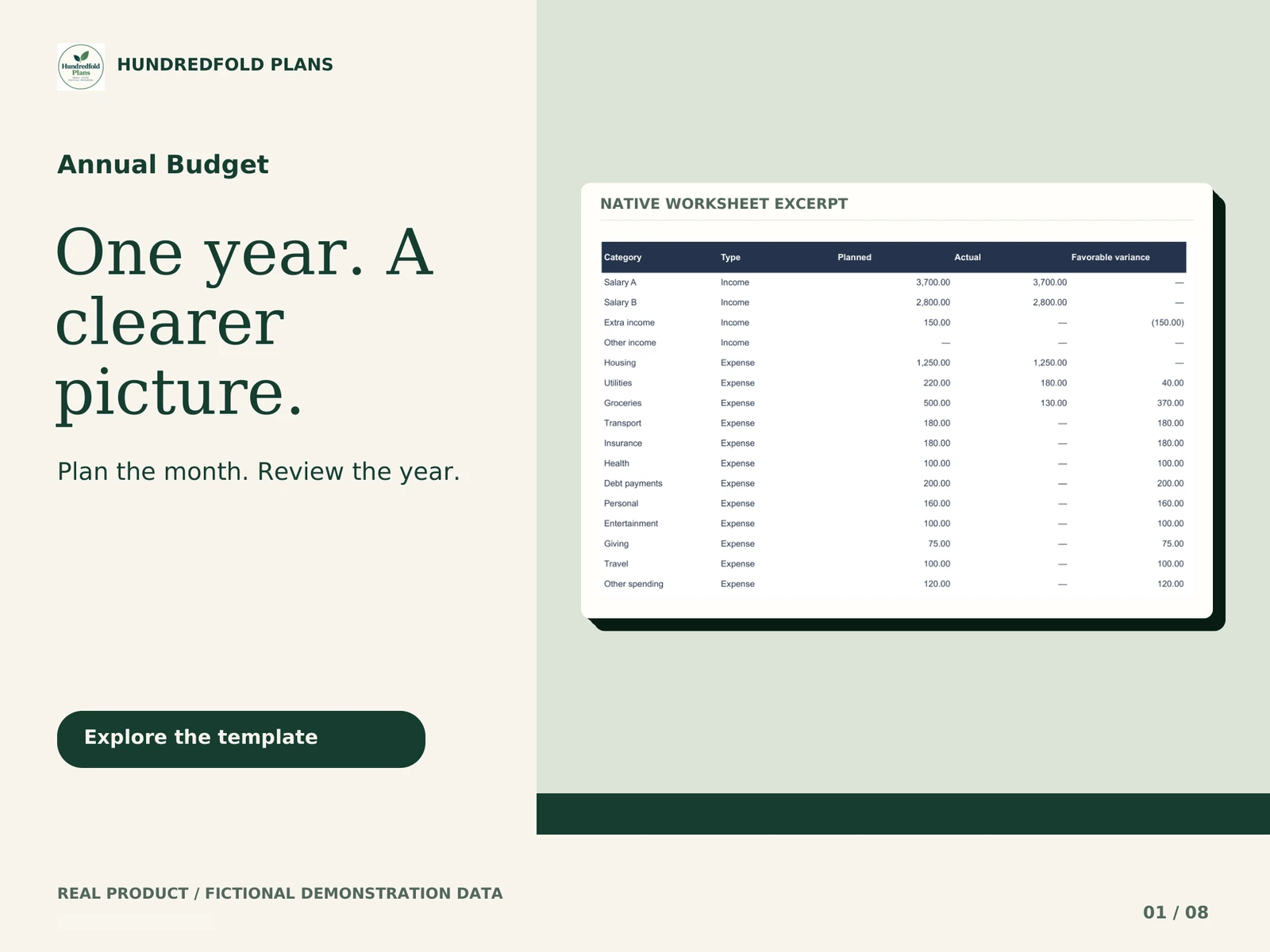
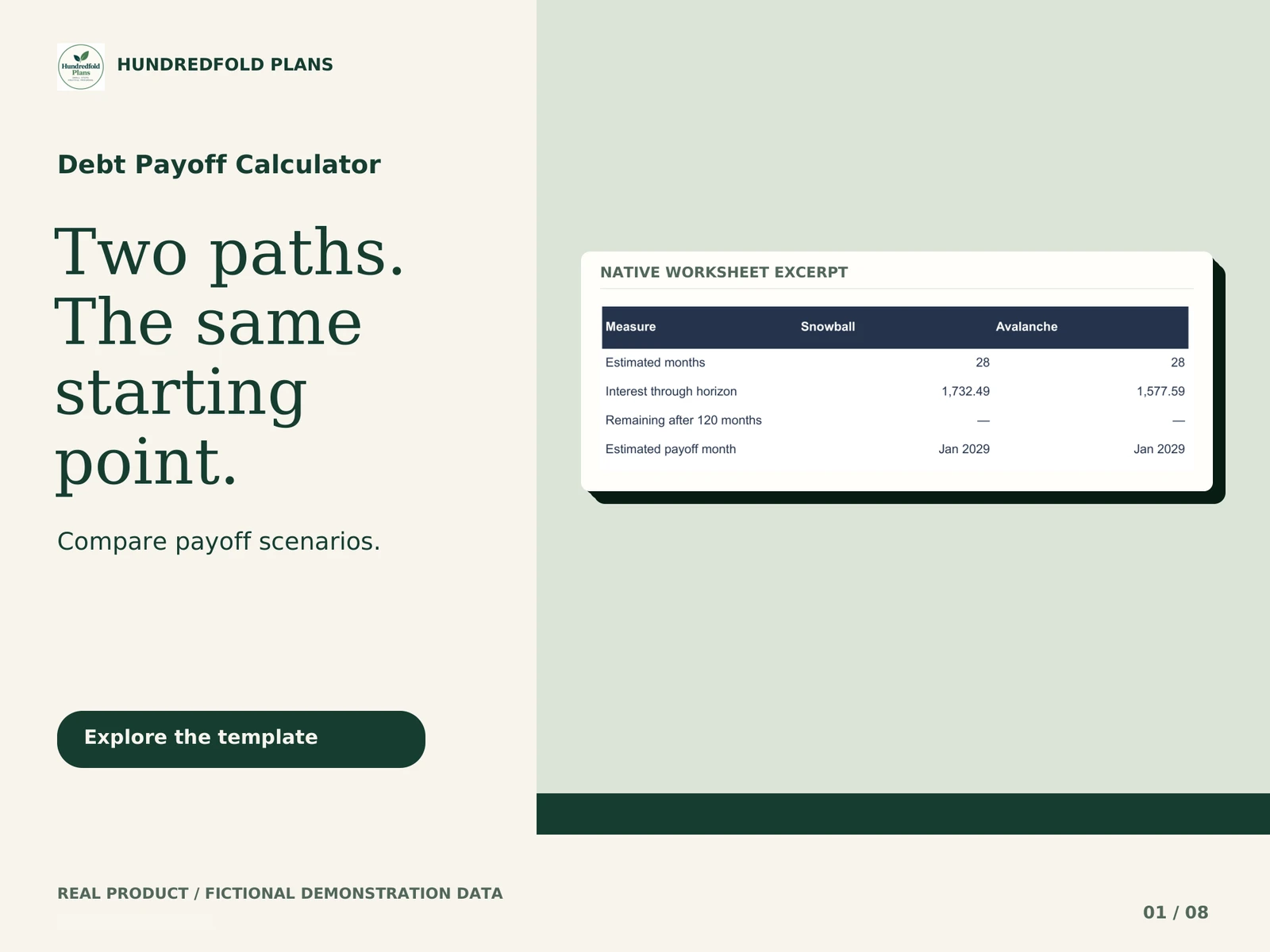
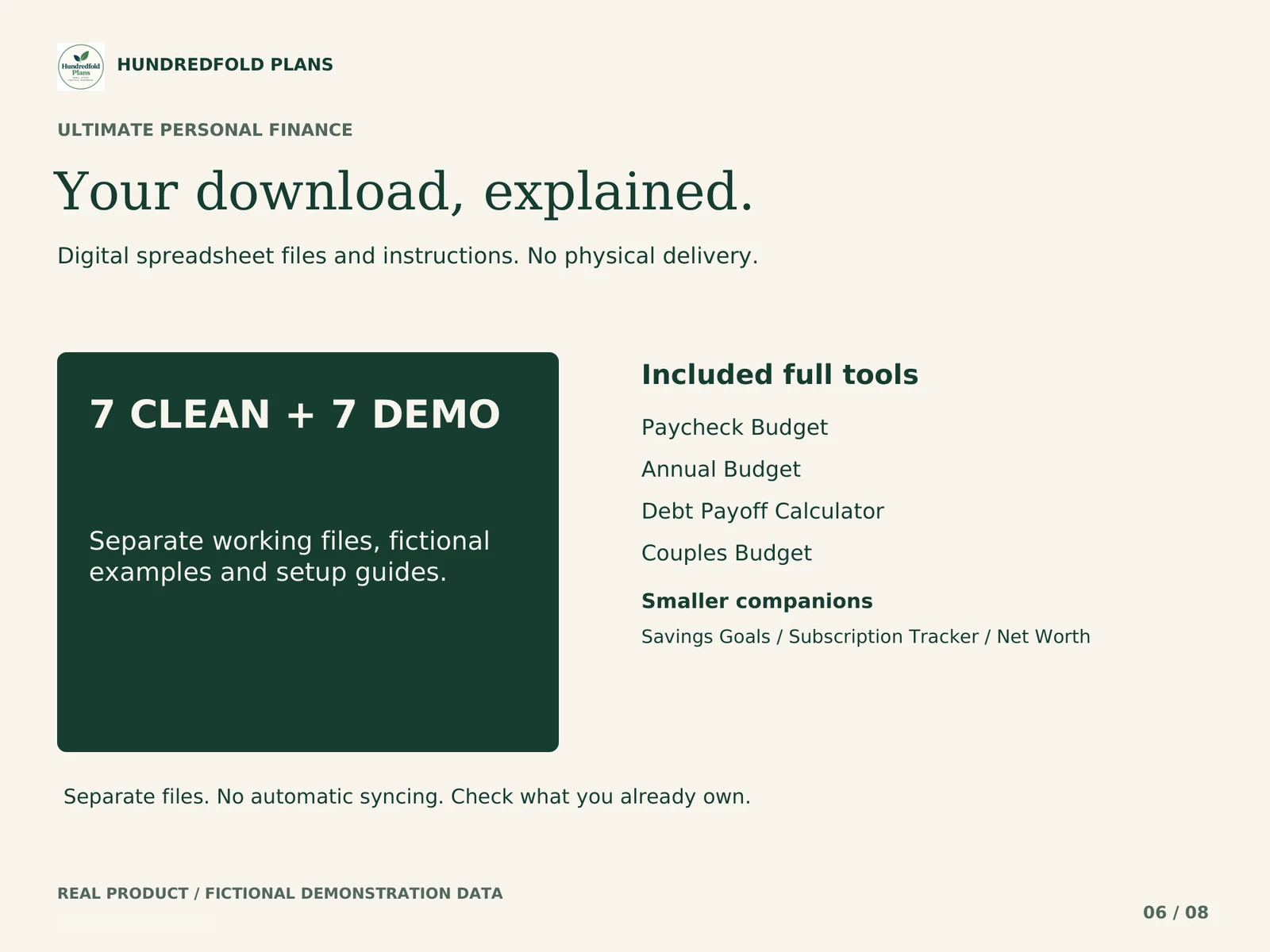
Mini companions: Savings Goals, Net Worth and Subscription Tracker. These are smaller companion editions.
These are the same complete tools sold individually. Check for overlap with tools you already own. Separate workbooks do not synchronize automatically.
Inside the spreadsheet
A closer look at the real files.
Getting started
One clear step at a time.
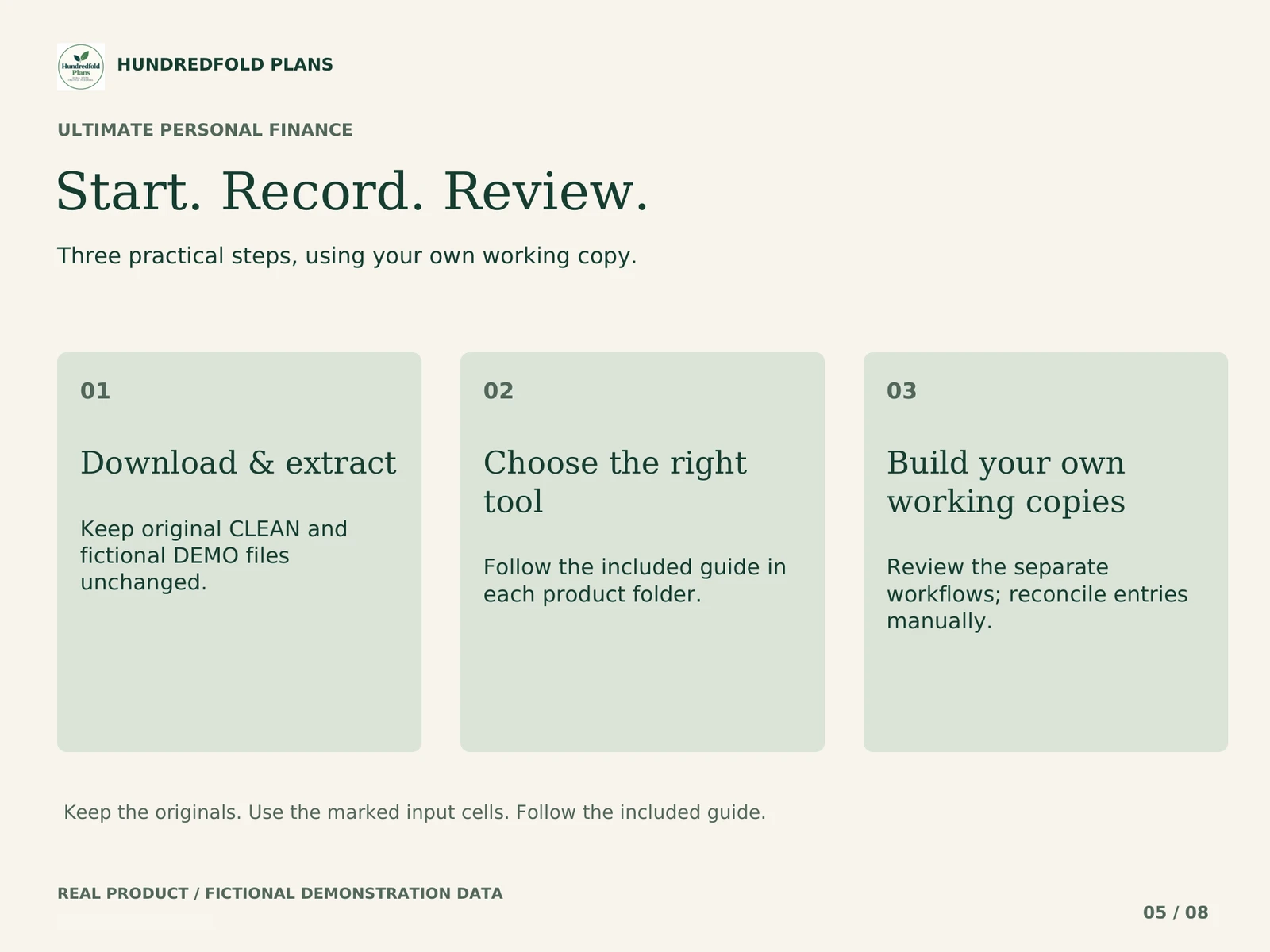
01
Download & extract
Keep original CLEAN and fictional DEMO files unchanged.
02
Choose the right tool
Follow the included guide in each product folder.
03
Build your own working copies
Review the separate workflows; reconcile entries manually.
Before you choose
A few useful details.
Which spreadsheet app can I use?
Google Sheets only. Excel compatibility is not currently supported. Use the included .xlsx files with the documented Google Sheets import workflow.
How do I receive my files?
For direct purchases, Lemon Squeezy processes checkout and provides access to the ZIP after payment. Open the link in your confirmation email, extract the ZIP on a computer and follow the included guide. Etsy orders remain accessible through Etsy.
Are the previews real?
The gallery shows the actual supplied workflow using fictional demonstration data. Use CLEAN for your own entries and keep DEMO separate.
Will this connect to my bank or other tools?
No. Entries are manual. Separate workbooks and copies do not automatically synchronize or make payments.
What if I need help?
For a direct purchase, use the support contact in your Lemon Squeezy receipt. For an Etsy purchase, message the shop through your Etsy order. Include the product name, tab, cell and a fictional example of the issue.
Choose the bundle when you have more than one distinct task to organize: money between paydays, monthly category plans, debt scenarios or shared household costs. You receive separate workbooks and can import only the tool you need first.
Exactly what is included
| File group | Main task | What to know |
|---|---|---|
| Paycheck Budget | Cash and open bills before payday | One or two regular income sources |
| Annual Budget | Twelve monthly category plans and actuals | Separate actual-cash ledger |
| Debt Payoff | Compare snowball and avalanche scenarios | Six debts; fixed assumptions |
| Couples Budget | Shared costs and partner settlements | One agreed review period |
| Savings Goals | Organize savings goals | Smaller companion tool |
| Subscription Tracker | Organize subscriptions | Smaller companion tool |
| Net Worth | Organize recorded asset and liability values | Smaller companion tool |
Each tool has CLEAN and fictional DEMO .xlsx import files, its guide or guide set and version notes. START_HERE_BUNDLE.pdf explains the bundle workflow. The three companions are smaller tools, not three additional full budget products.
Match the collection to your routine
Use Paycheck for timing and Annual for category review only if you are prepared to maintain or reconcile their separate records. Use Couples for shared-cost allocation and Debt Payoff for bounded scenarios when those are questions you also need to answer. The companions add smaller, separate records for savings goals, subscriptions and recorded net worth.
There is no requirement to import all seven tools at once. A single useful record you keep current is a valid starting point.
Separate files mean separate records
This is not a synchronized finance app. Paycheck and Annual entries can overlap. Choose one as your main transaction record or reconcile manually when you use both. Updating a payment in Paycheck does not update Annual, Debt Payoff or Couples Budget.
The short tour shows a Paycheck input and recalculated result, then Annual and Couples views. Moving between those views in the video does not imply that the workbooks share live data.
Start with one question
Import Paycheck Budget for bills before payday; Annual Budget for category plans; Debt Payoff for repayment scenarios; or Couples Budget for shared costs. Add another file only when you need its separate task.
If your only need is a list of bill dates, start with the Free Bill Calendar. If one paid tool answers your question, compare that single product with the bundle. The selection guide explains the trade-offs without assuming the larger package is better for you.
Workbook demonstration
What arrives and how to start
Your digital download contains separate CLEAN and fictional DEMO .xlsx files, PDF instructions and version notes. Use CLEAN for your own figures. Keep DEMO as a worked reference and keep the original downloads for a fresh start.
Unzip the download on your computer. Upload CLEAN to your own Google Drive, open it with Google Sheets, and choose File > Save as Google Sheets. Work in the new Google spreadsheet, beginning with START HERE and the amber input cells. Read the step-by-step import guide.
Google Sheets and a Google account are required. The .xlsx files are an import format; Excel is not supported. Apple Numbers and Notion are not supported. Desktop browser setup is recommended; this release is not optimized for phone entry. Use one currency per copy, with no currency conversion. See compatibility and capacity.
Questions before you choose
Is this one dashboard that connects every workbook?
No. These are separate files. Import only the tools you want to use and reconcile overlapping records manually. The bundle tour moves between examples; it does not demonstrate synchronization.
Do I need the bundle to use Paycheck Budget?
No. Each of the four main tools is available separately. The tool comparison helps match your question to one file or the collection.
What should I open first?
Read START_HERE_BUNDLE.pdf, choose your first task and import that tool's CLEAN file. Keep its fictional DEMO separate. Add another workbook after deciding which records you will maintain in each.
Help with the supplied files
For a direct purchase, use the support contact in your Lemon Squeezy receipt; for an Etsy purchase, message the shop through your Etsy order. Include the product name, tab and cell, what you tried, and a screenshot with personal information removed. Support covers the files and import instructions. It does not include personal financial advice or custom bookkeeping.
This is a digital organization or scenario tool. No physical item is shipped, no bank account is connected, and no payment is made for you. Examples use fictional figures and do not promise a financial outcome.
Related tools
Continue at your own pace.
$39.90 USDDigital download · Secure checkout
BUY NOW