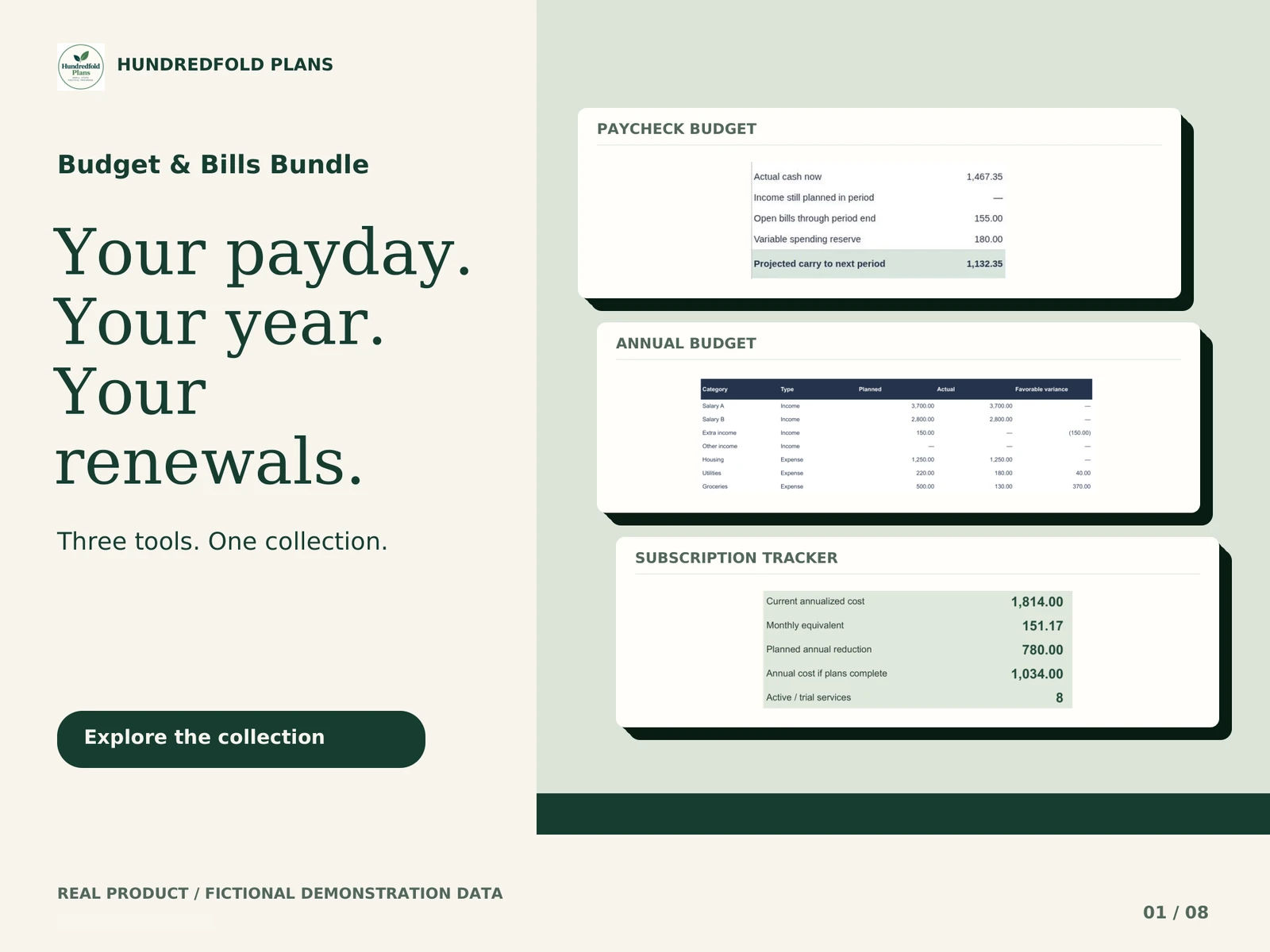
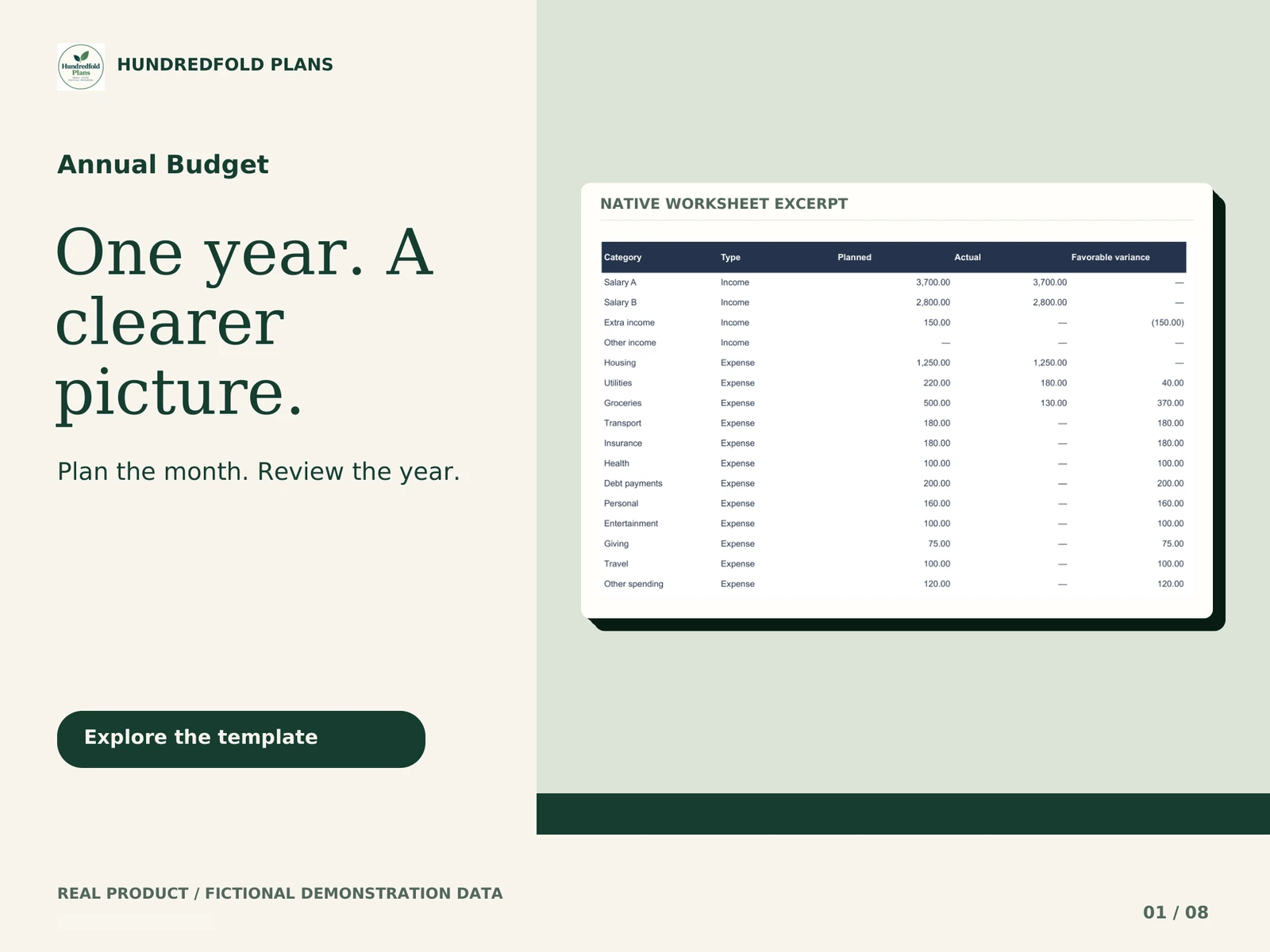



Annual Budget is for a household that wants to plan each month by category, then review what actually happened across the year. It answers a different question from a payday calendar: how does the month's recorded income and spending compare with the plan?
Plan once, review by month
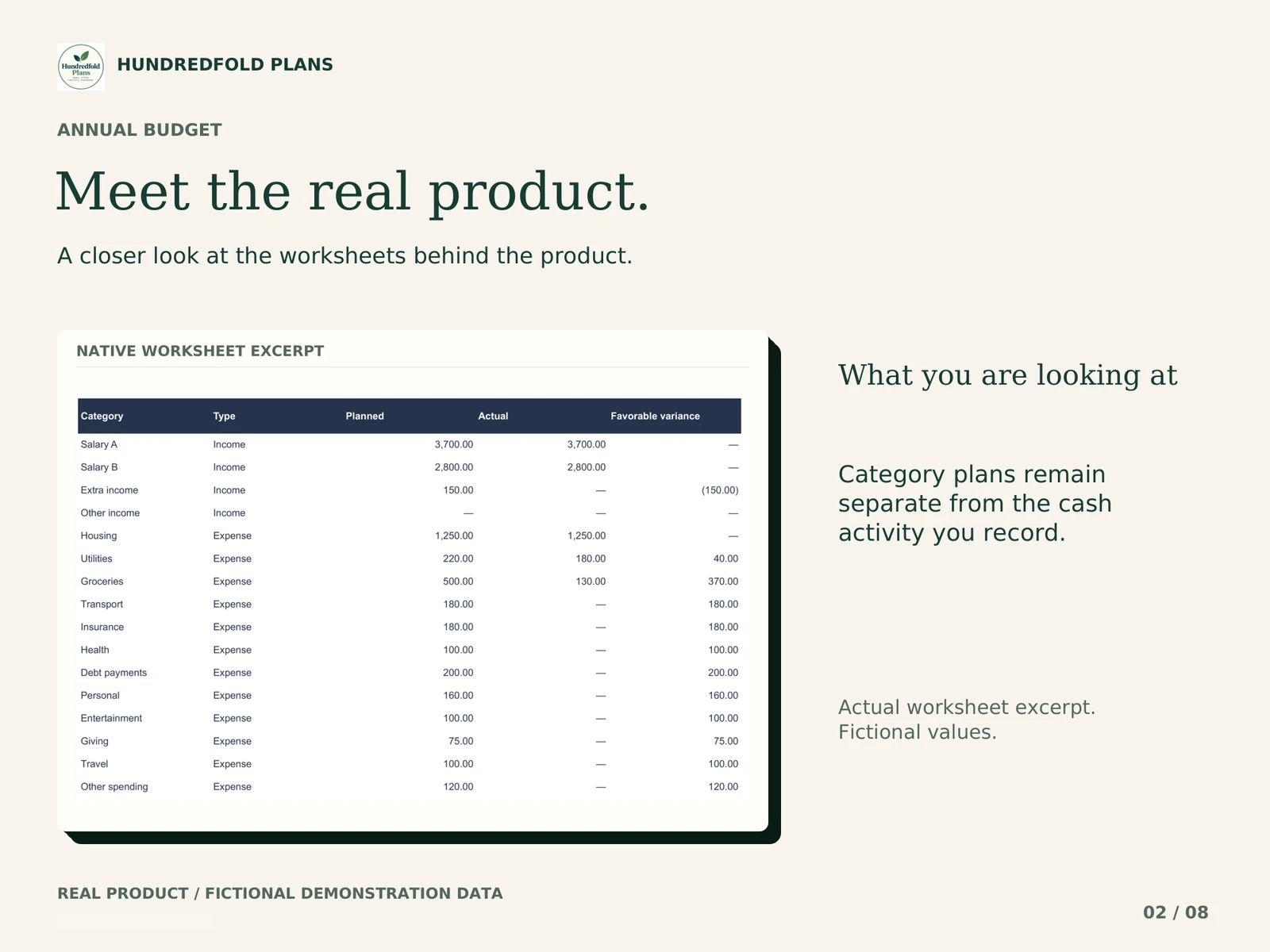
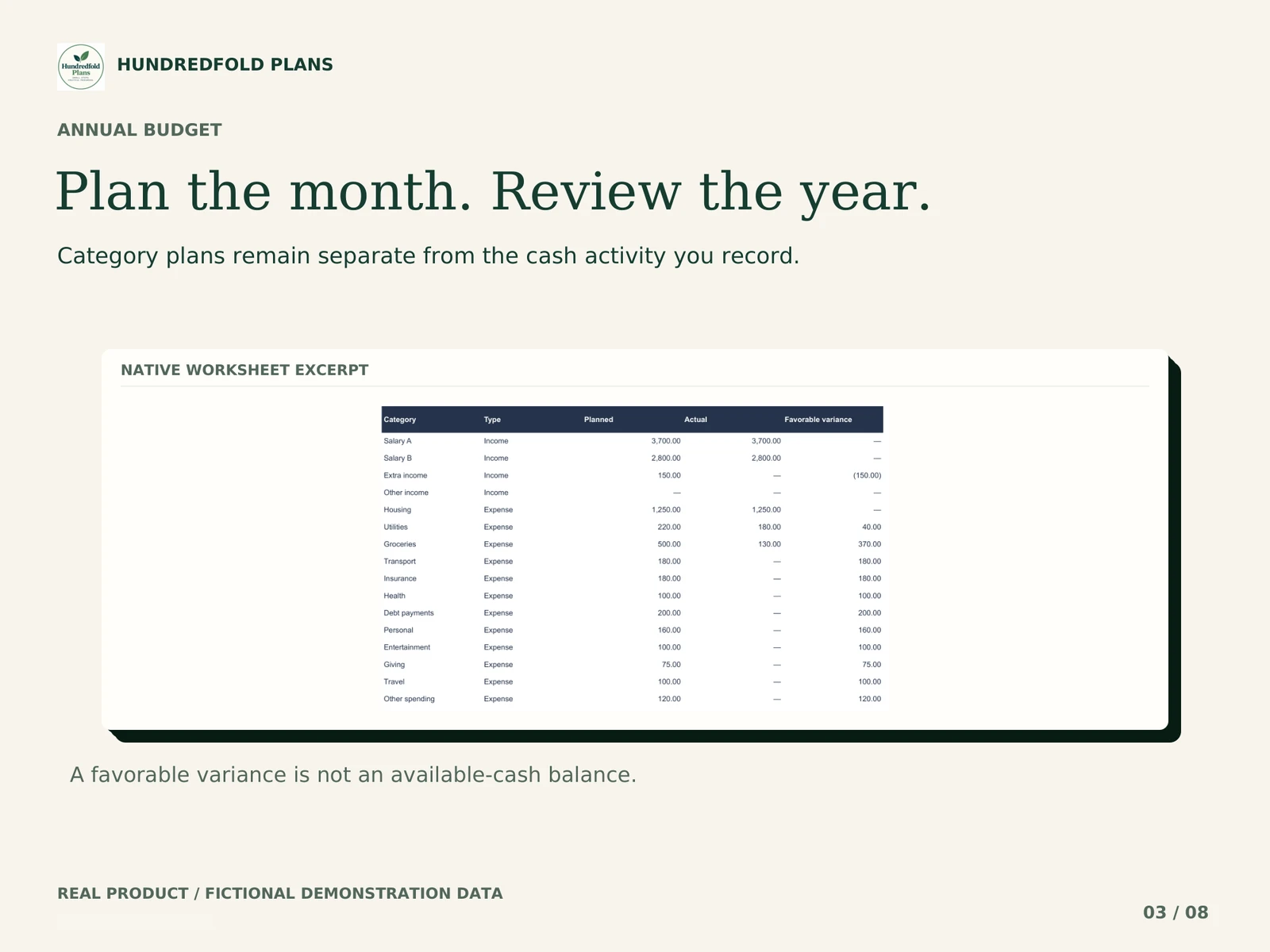
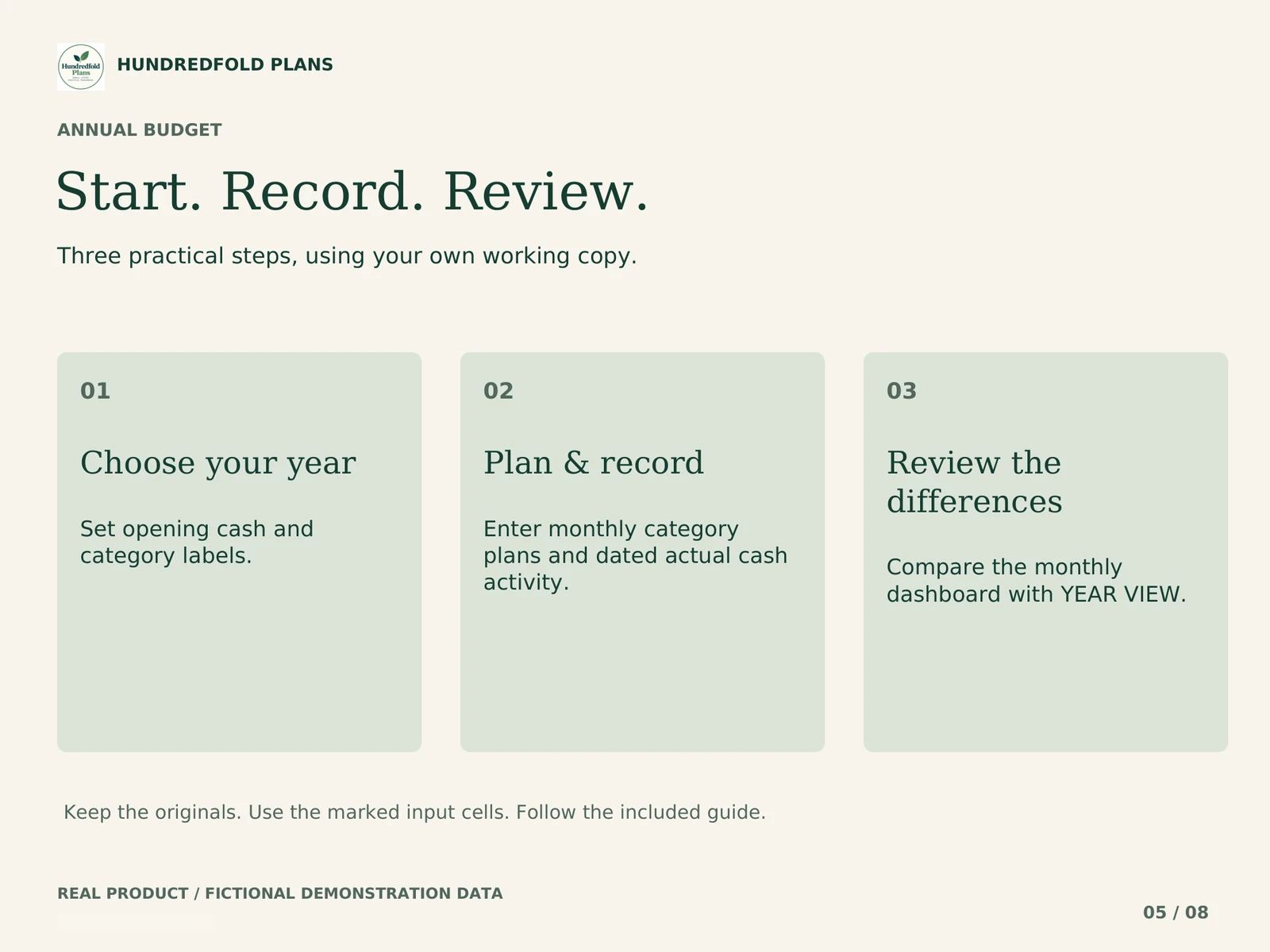
Set up sixteen named categories with stable IDs. Enter a plan for each category in each of twelve months. Record cash income, expenses and refunds in the actual-cash ledger. Select a month to review category variance, or use YEAR VIEW to compare the monthly results.
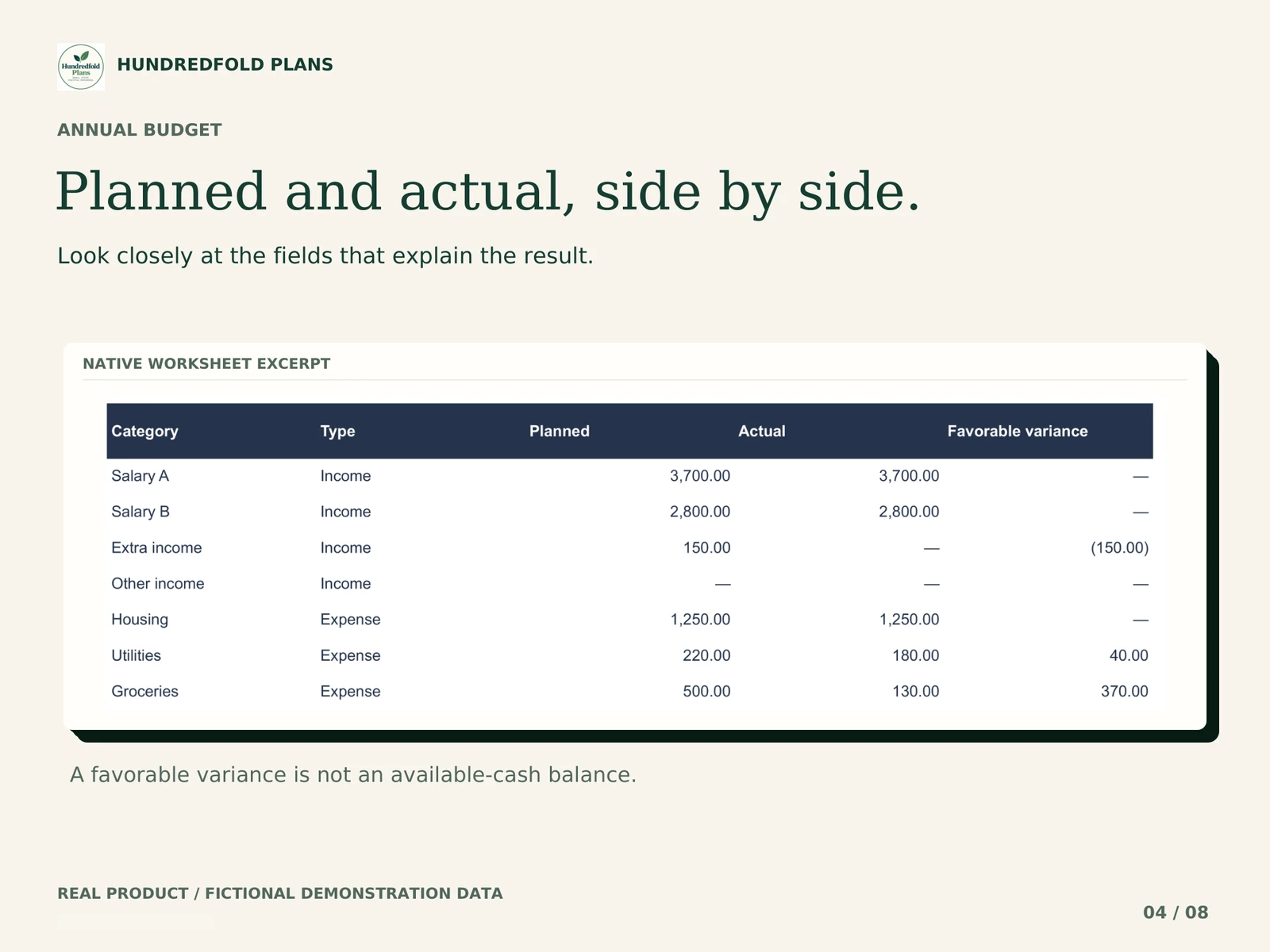
The plan is a target. Entering a planned grocery amount does not record an actual payment, and changing a plan does not change cash already received or spent.
A refund example
The fictional demonstration changes one refund from $12.65 to $20.00. The extra refund is $7.35. Recorded net spending falls by $7.35 and net cash rises by $7.35. The category plan stays a separate reference. This illustrates a cash entry; it is not a claim about customer savings.
| One fictional category review | Plan | Recorded spending | Plan minus spending |
|---|---|---|---|
| Food for one month | $300.00 | $240.00 | $60.00 |
The $60 difference describes this comparison. It does not establish that $60 is available in an account or reserved for another bill.
Included in the workbook
- Twelve monthly plans in a vertical layout: 192 plan amounts across sixteen categories.
- One ledger for up to 600 actual transactions per yearly copy.
- A selected-month dashboard with category comparisons and a twelve-month YEAR VIEW.
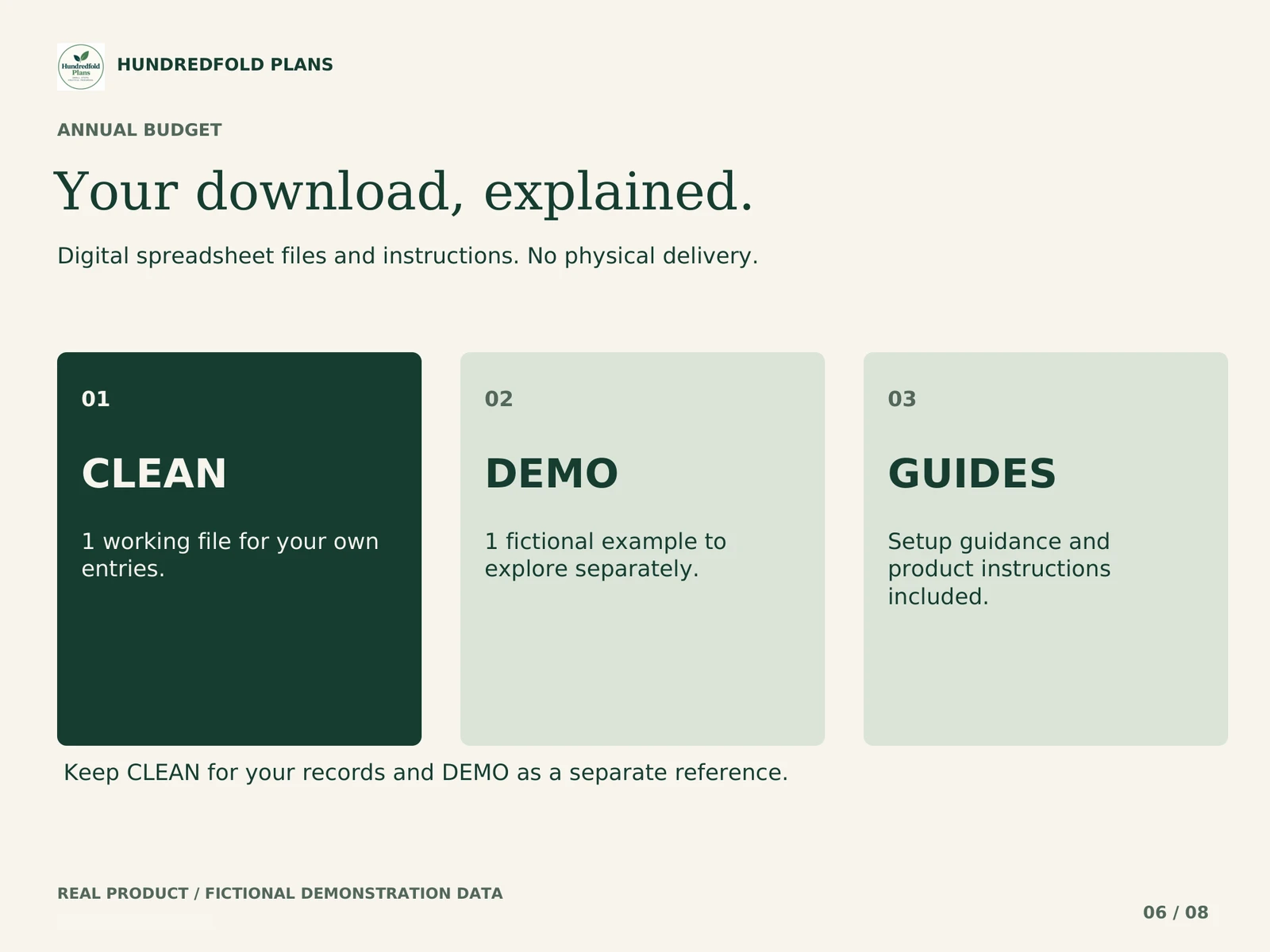
- Separate CLEAN and fictional DEMO .xlsx import files, START_HERE_AND_GUIDE.pdf and VERSION_CHANGELOG.txt.
Decide whether annual planning is your main task
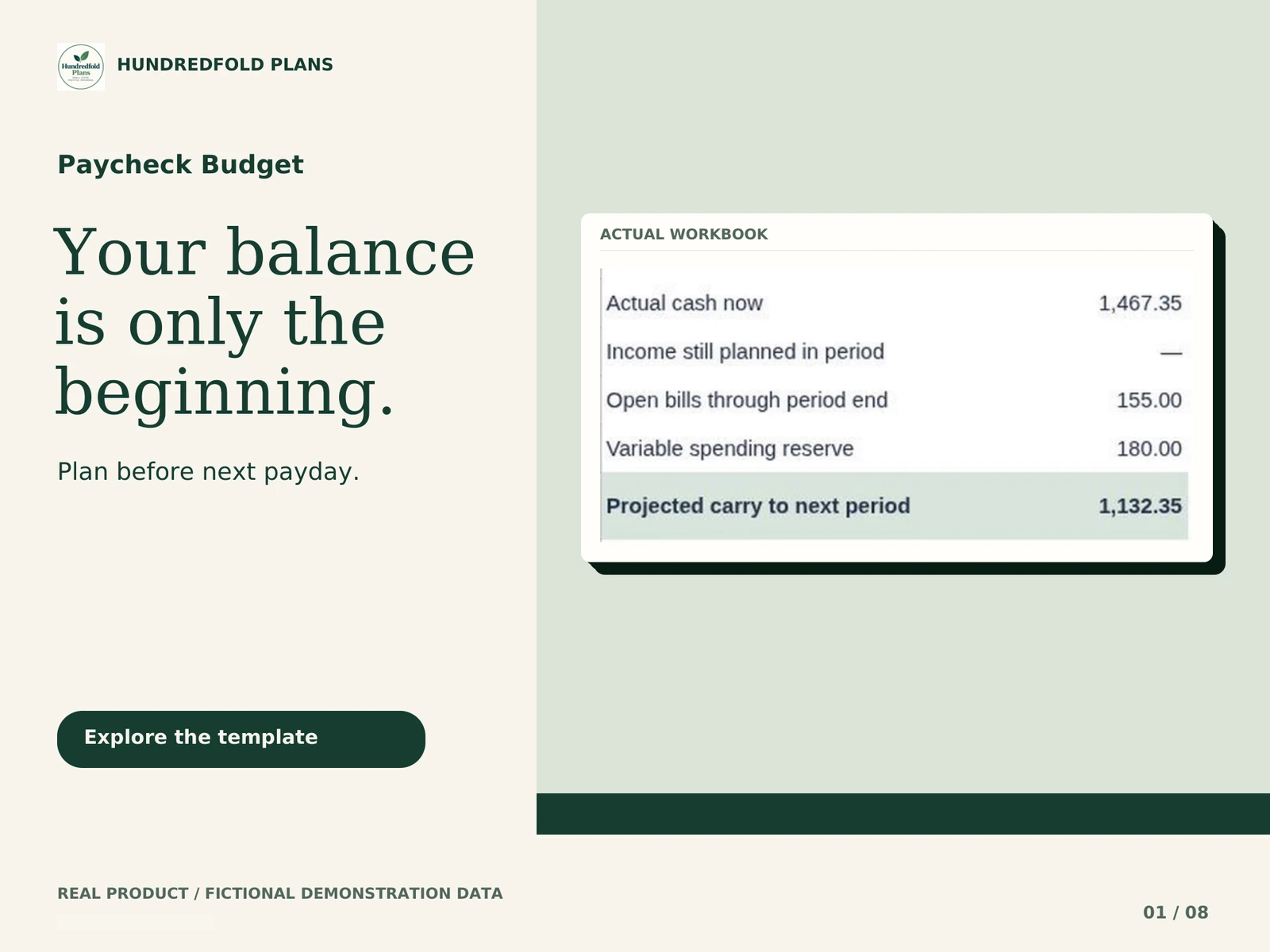
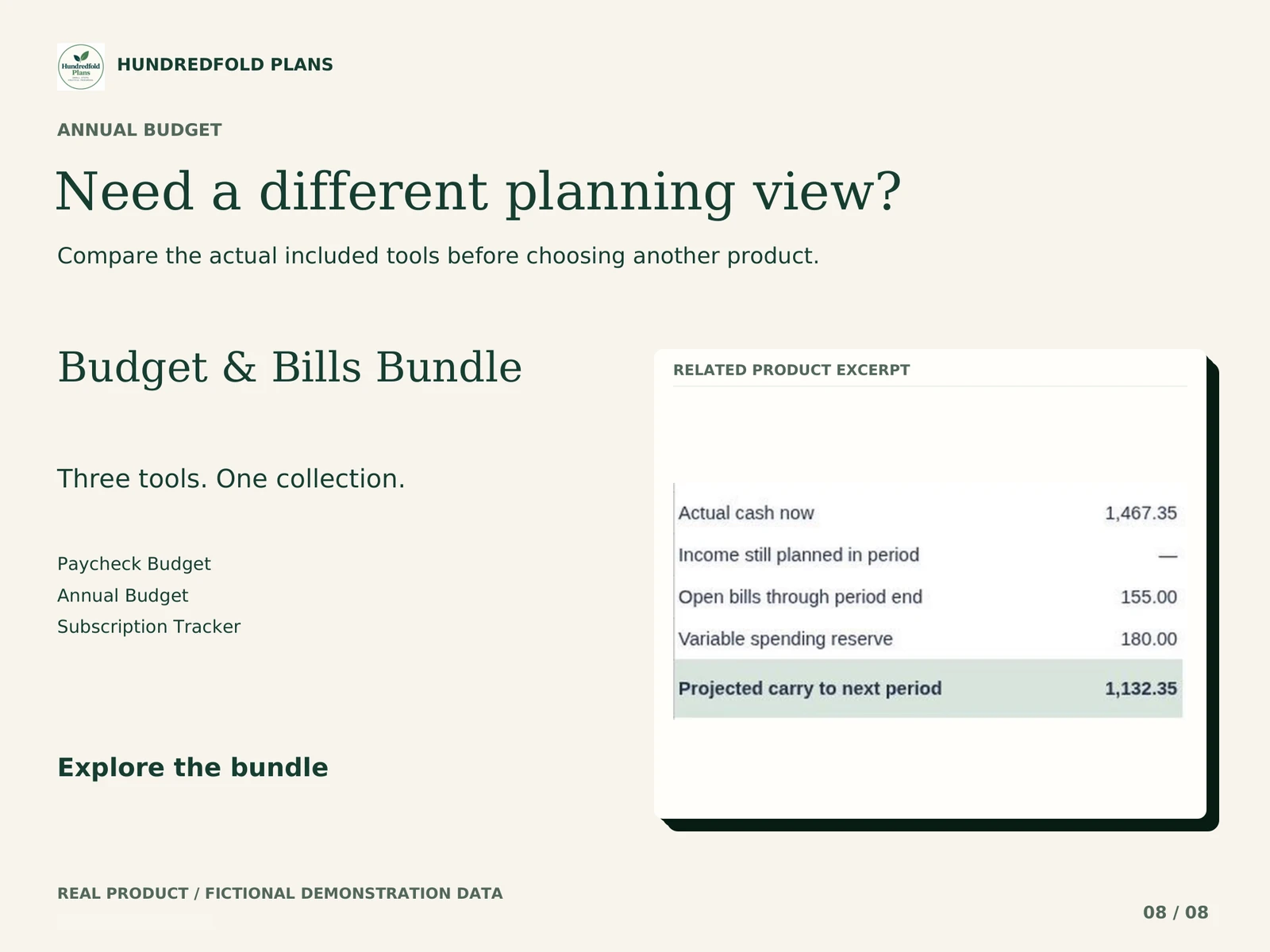
Annual Budget has no unpaid-bill reservation or payday engine. A positive monthly result does not establish that a particular bill can be paid before the next income date. For that timing question, see Paycheck Budget.
The workbooks do not synchronize. If you use both, choose one main transaction record or reconcile the entries manually. You do not need the bundle just to organize annual categories. Compare the tools by task.
Workbook demonstration
What arrives and how to start
Your digital download contains separate CLEAN and fictional DEMO .xlsx files, PDF instructions and version notes. Use CLEAN for your own figures. Keep DEMO as a worked reference and keep the original downloads for a fresh start.
Unzip the download on your computer. Upload CLEAN to your own Google Drive, open it with Google Sheets, and choose File > Save as Google Sheets. Work in the new Google spreadsheet, beginning with START HERE and the amber input cells. Read the step-by-step import guide.
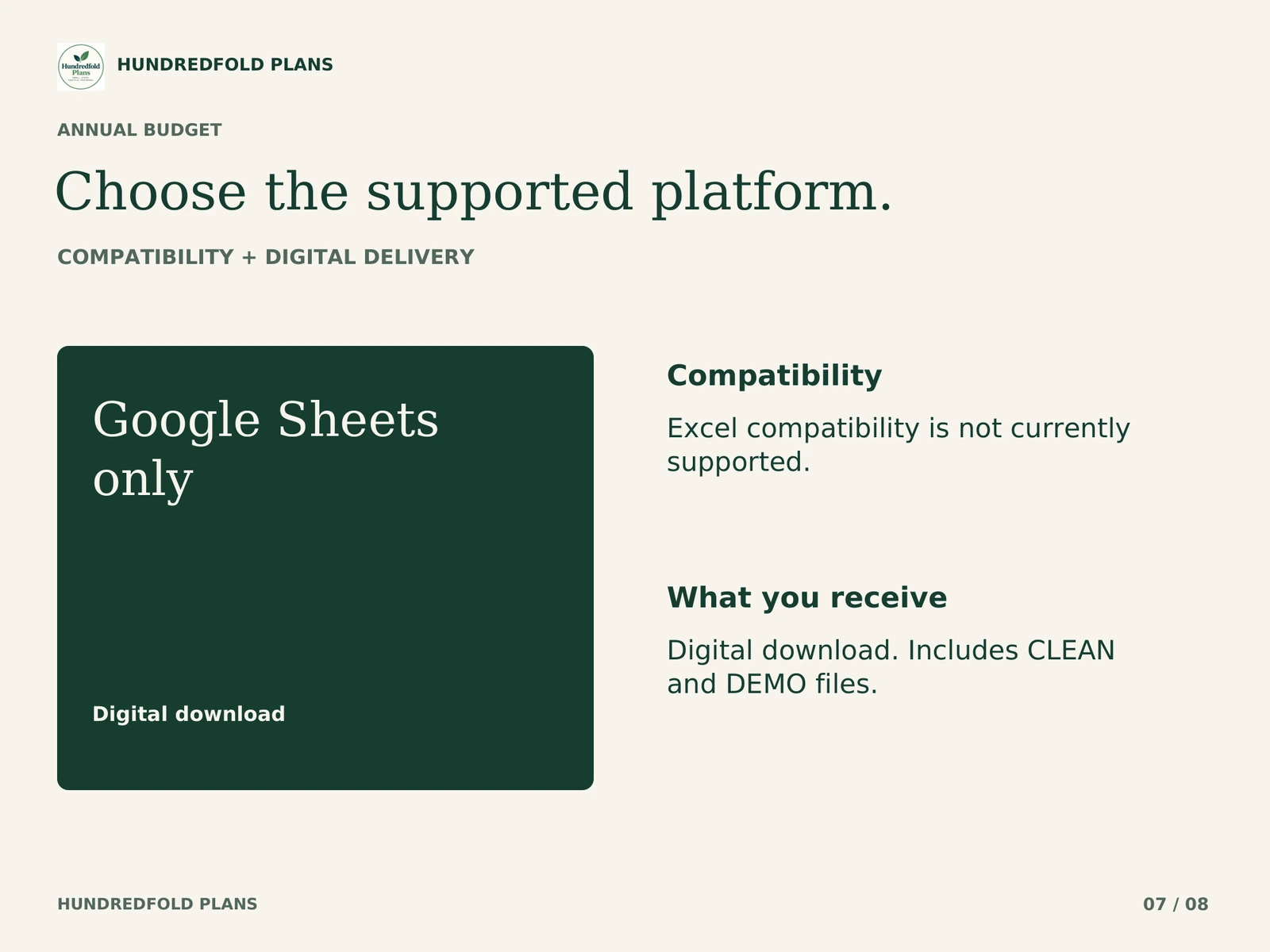
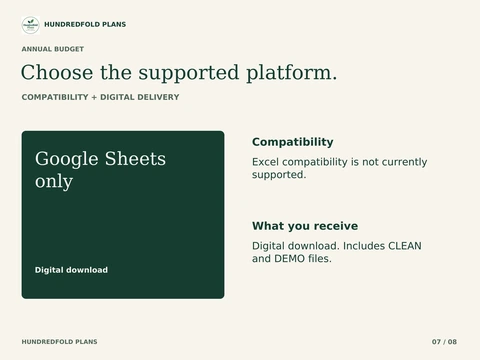
Google Sheets and a Google account are required. The .xlsx files are an import format; Excel is not supported. Apple Numbers and Notion are not supported. Desktop browser setup is recommended; this release is not optimized for phone entry. Use one currency per copy, with no currency conversion. See compatibility and capacity.
Questions before you choose
How do I create the annual budget in Google Sheets?
Import CLEAN, save a native Google spreadsheet and name your categories with their stable IDs. Enter the twelve monthly plans, then record actual income, expenses and refunds. Review one selected month before comparing the YEAR VIEW. The planned-versus-actual guide explains why the plan and cash ledger stay separate.
Can I change a plan during the year?
Yes. Editing a plan changes the target used for comparison; it does not rewrite cash transactions. Keep a copy of your earlier plan if you want a record of what you originally intended.
Will it tell me whether a bill is covered before payday?
No. This file reviews monthly categories. Use Paycheck Budget for unpaid bills and pay dates, and reconcile overlapping entries manually if you use both.
Help with the supplied files
For a direct purchase, use the support contact in your Lemon Squeezy receipt; for an Etsy purchase, message the shop through your Etsy order. Include the product name, tab and cell, what you tried, and a screenshot with personal information removed. Support covers the files and import instructions. It does not include personal financial advice or custom bookkeeping.
This is a digital organization or scenario tool. No physical item is shipped, no bank account is connected, and no payment is made for you. Examples use fictional figures and do not promise a financial outcome.