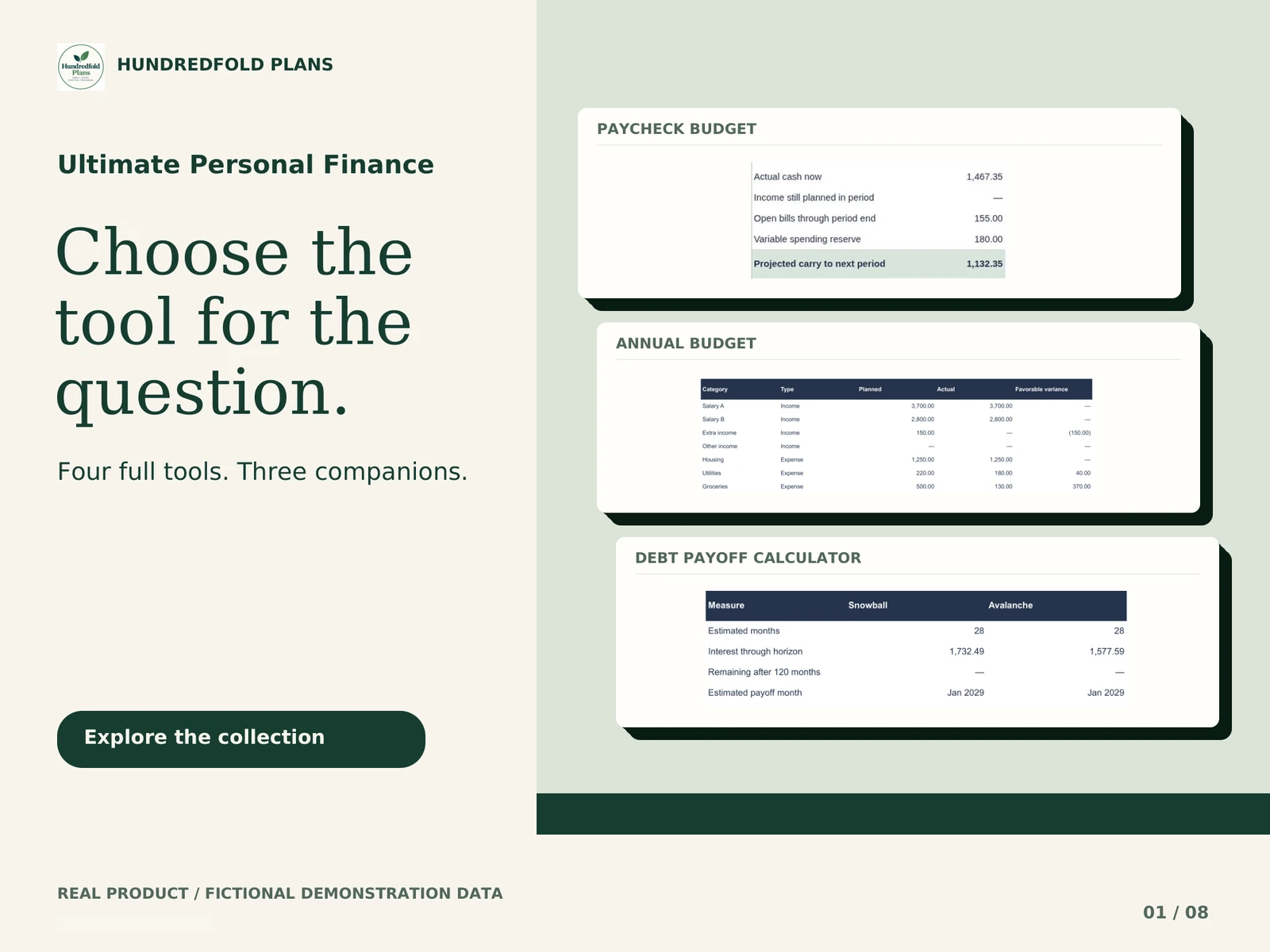
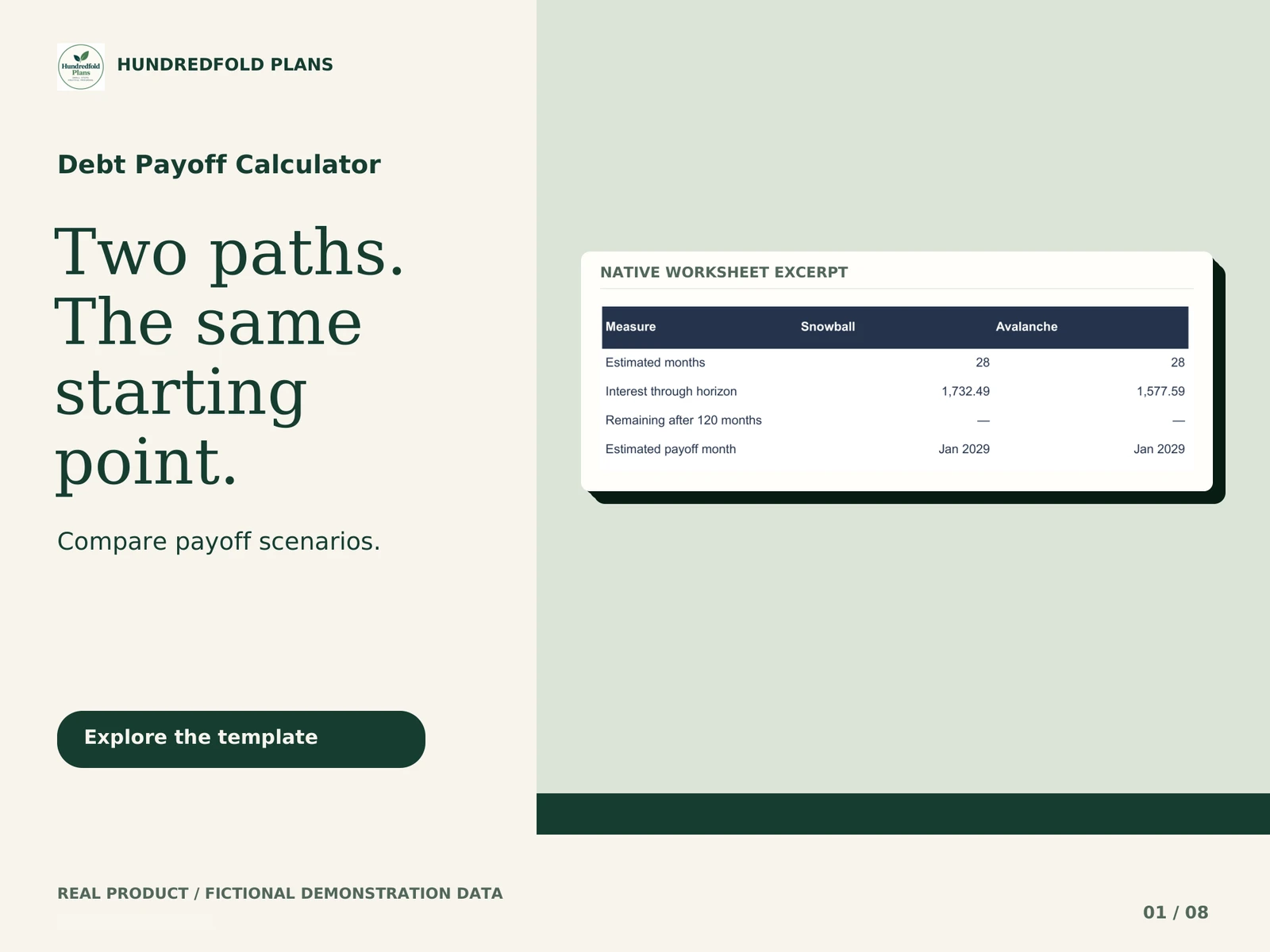
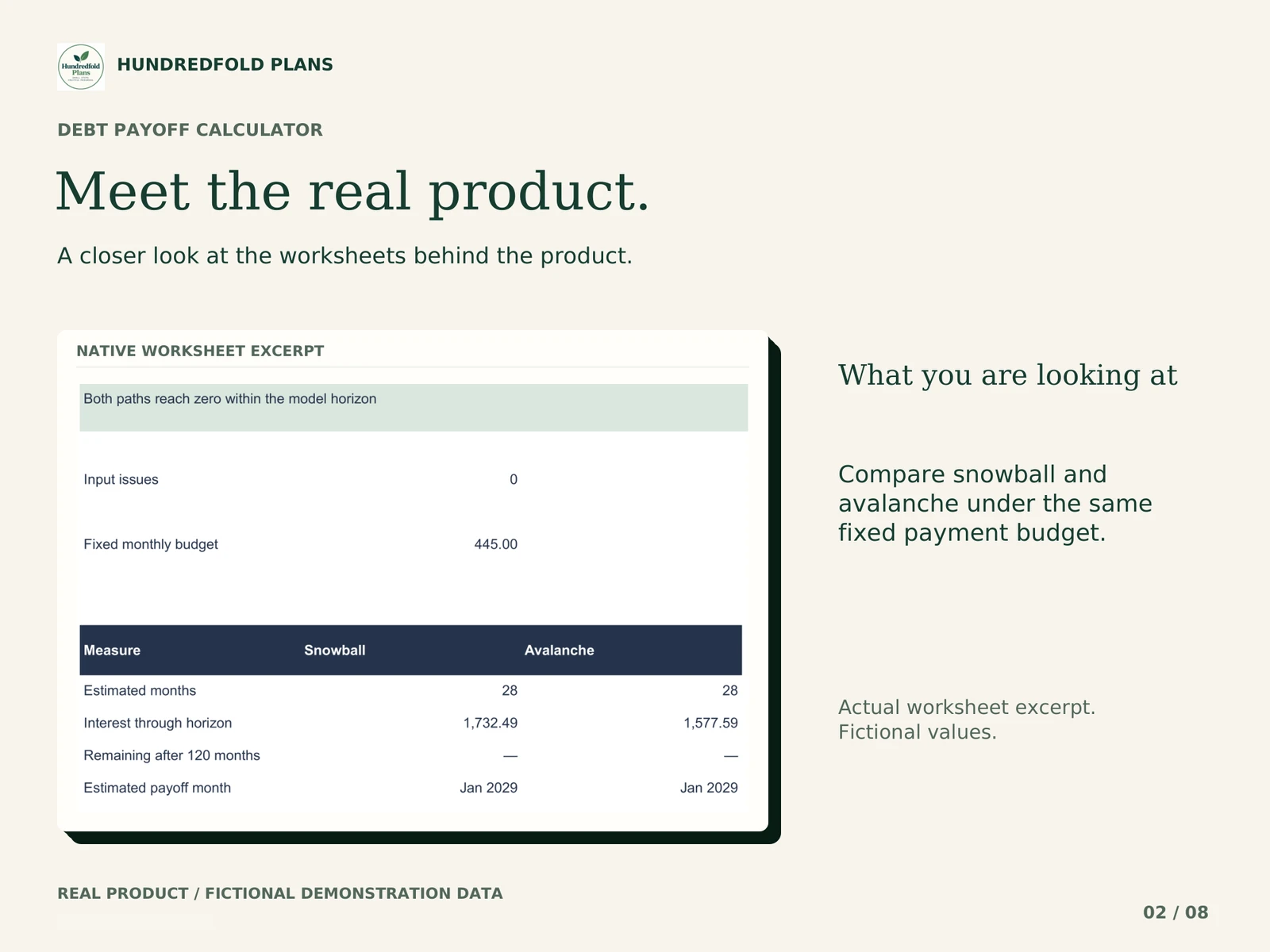
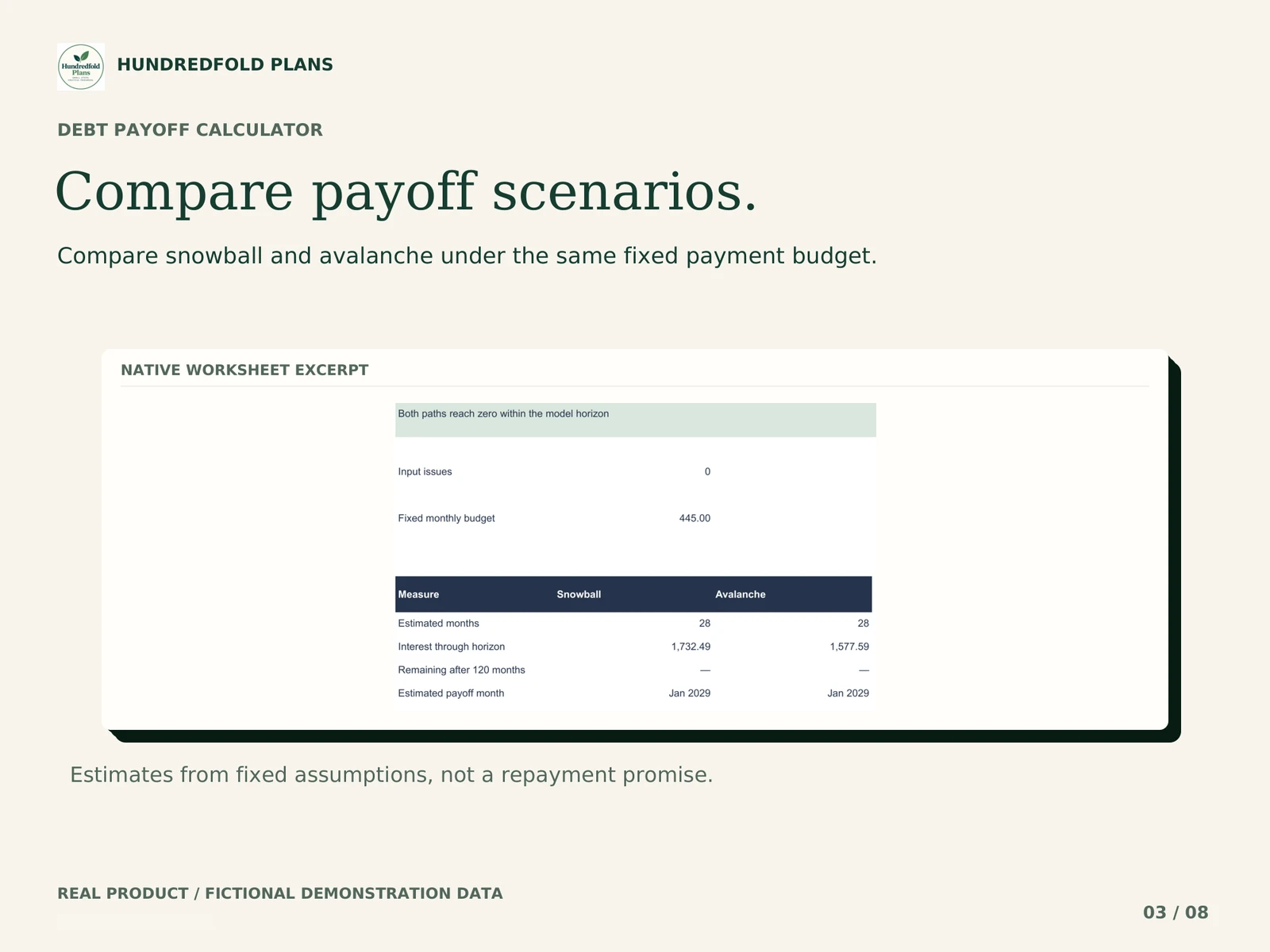



Debt Payoff puts two repayment scenarios beside each other using the same starting debts and payment budget. It is for comparing a bounded spreadsheet model, not for connecting to lenders or selecting a repayment plan on your behalf.
What you can compare
Enter up to six debts with their starting balance, fixed annual percentage rate and fixed minimum payment. Snowball orders debts by starting balance. Avalanche orders them by APR. The payment budget stays fixed, with freed minimum payments carried forward within the model.
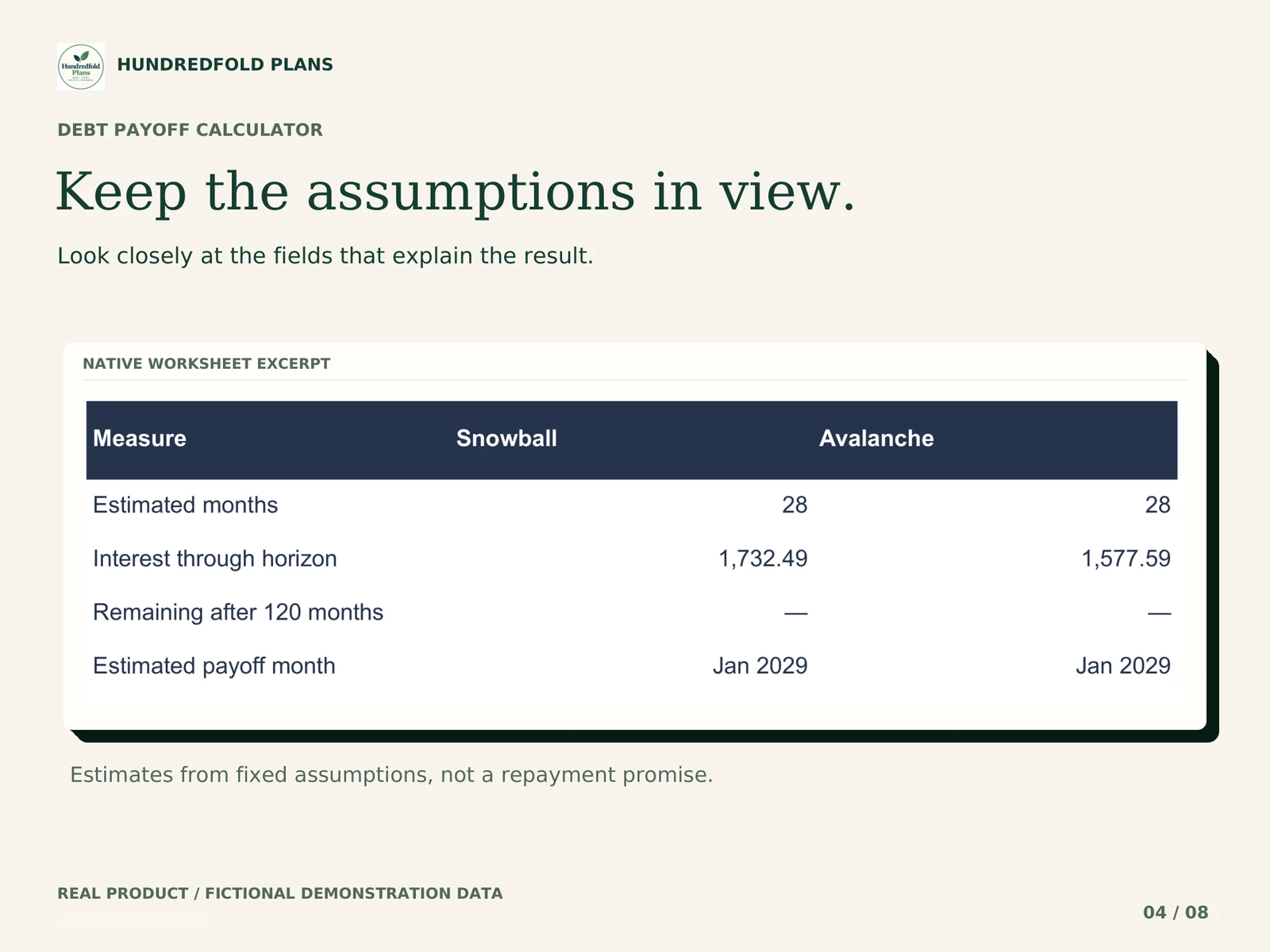
Review monthly interest, principal and remaining balance in the schedules. The dashboard reports the estimates under the entered assumptions. If a debt remains at the end of the model horizon, that remaining balance matters; the end of the table is not proof of full repayment.
A change you can inspect
The fictional video begins with a fixed monthly payment budget of $445. It changes the extra monthly payment from $150 to $250, an increase of $100. Both schedules recalculate. Inspect the changed rows and assumptions rather than reading a projected date as a promise.
How to compare one change at a time
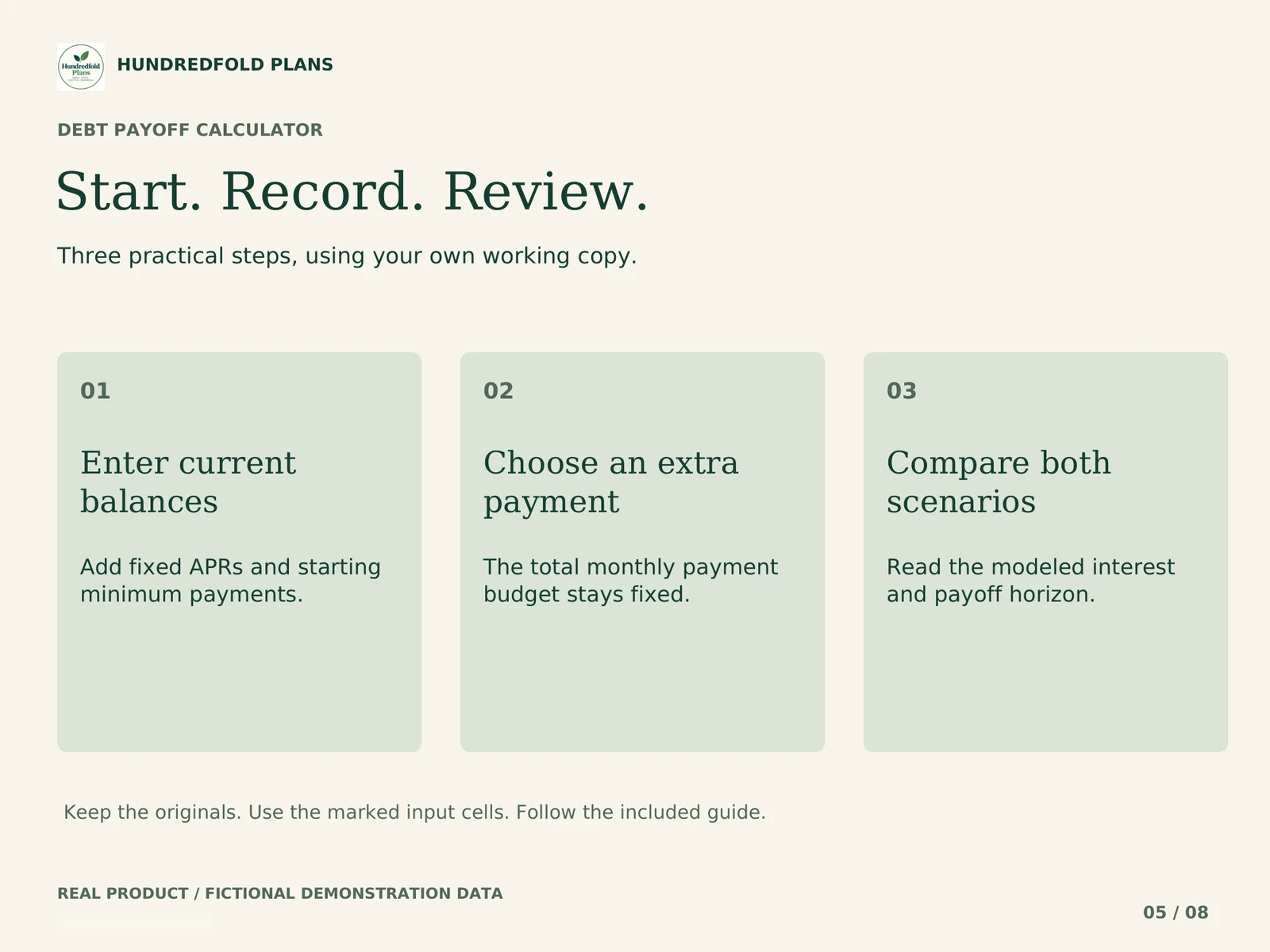
- Enter the same balances, APRs and minimum payments for both methods.
- Review the total monthly payment budget before reading either schedule.
- Compare remaining balances and interest under those same assumptions.
- Change one input, such as the extra payment, then review both results again.
A result from a different payment budget does not isolate the effect of the ordering method. Keep a separate copy if you want to preserve an earlier scenario.
Read the model boundaries first
- Up to six debts and 120 monthly periods.
- Fixed APRs and fixed minimums throughout each scenario.
- Interest rounded to cents monthly before payment.
- No fees, new charges, daily-interest calculations or lender integration.
Your lender's statement may use different timing and calculations. This tool cannot reproduce terms that the model does not include. It does not make payments or recommend which obligations you should prioritize.
When a free calculator may be enough
If you only need a repayment schedule, compare free alternatives before buying. Vertex42's debt calculator also offers snowball and avalanche methods. Our reason to consider this file is its particular side-by-side workflow, separate CLEAN/DEMO copies and supplied instructions; those features are not a claim of superiority.
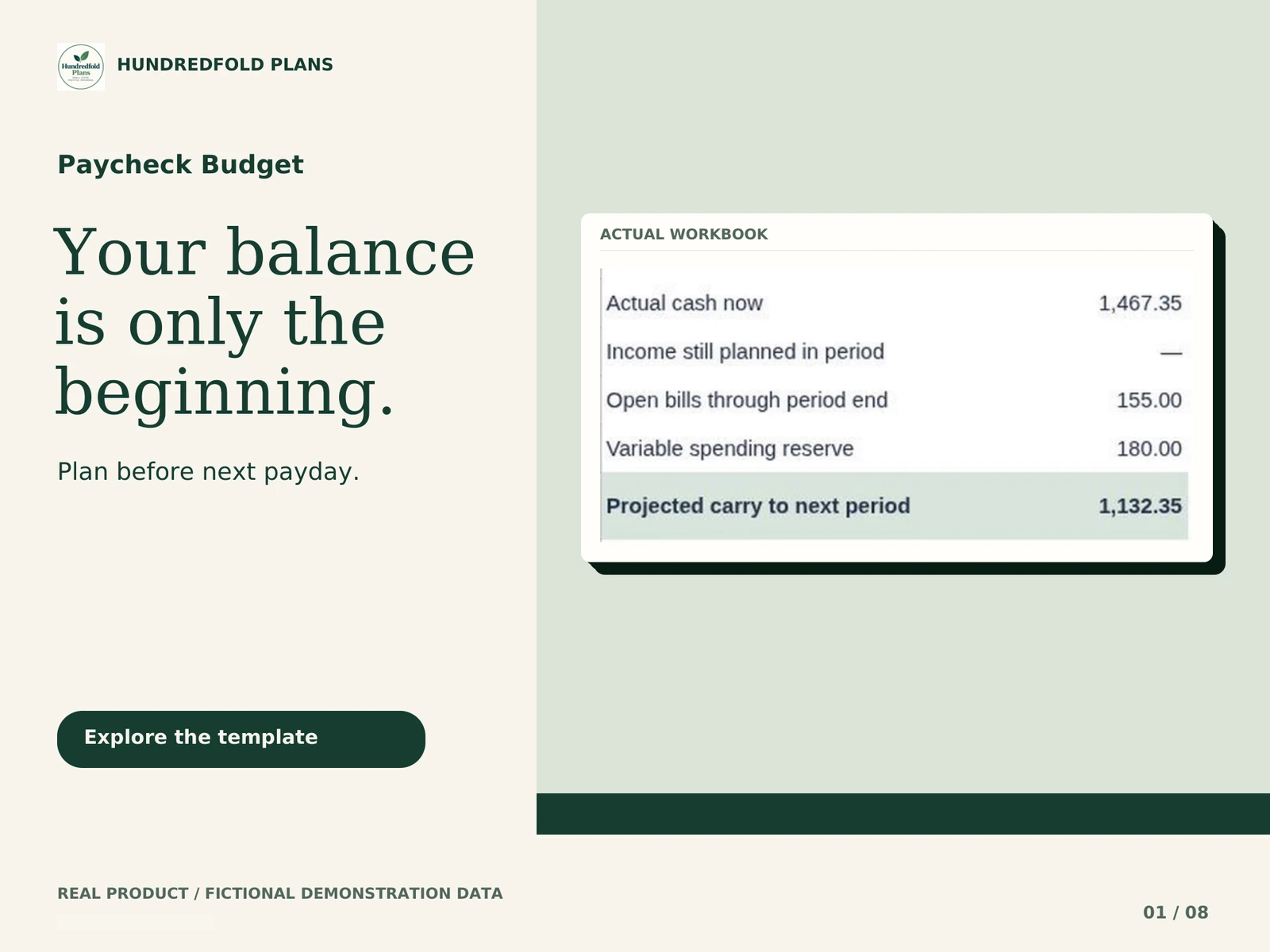
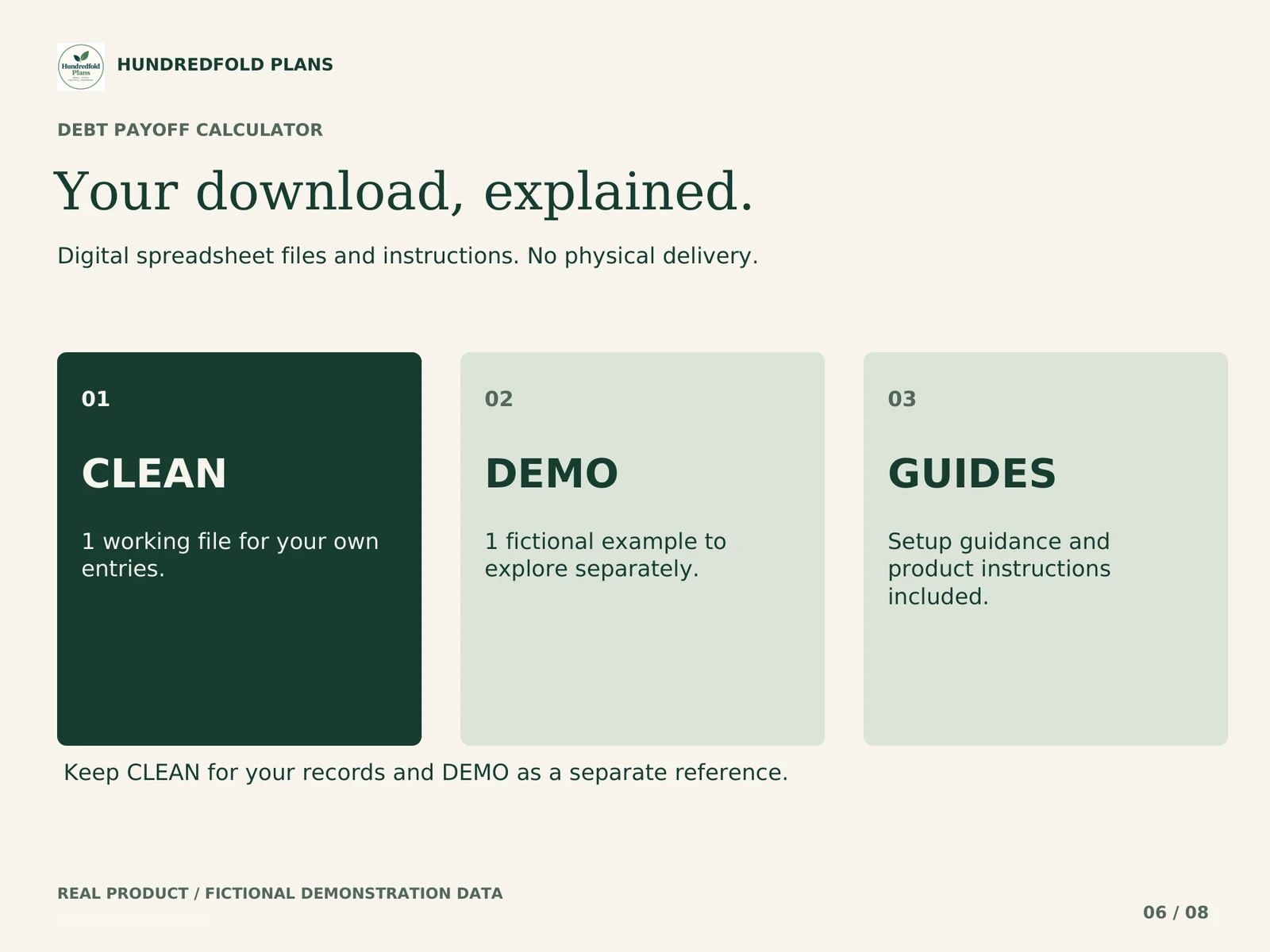
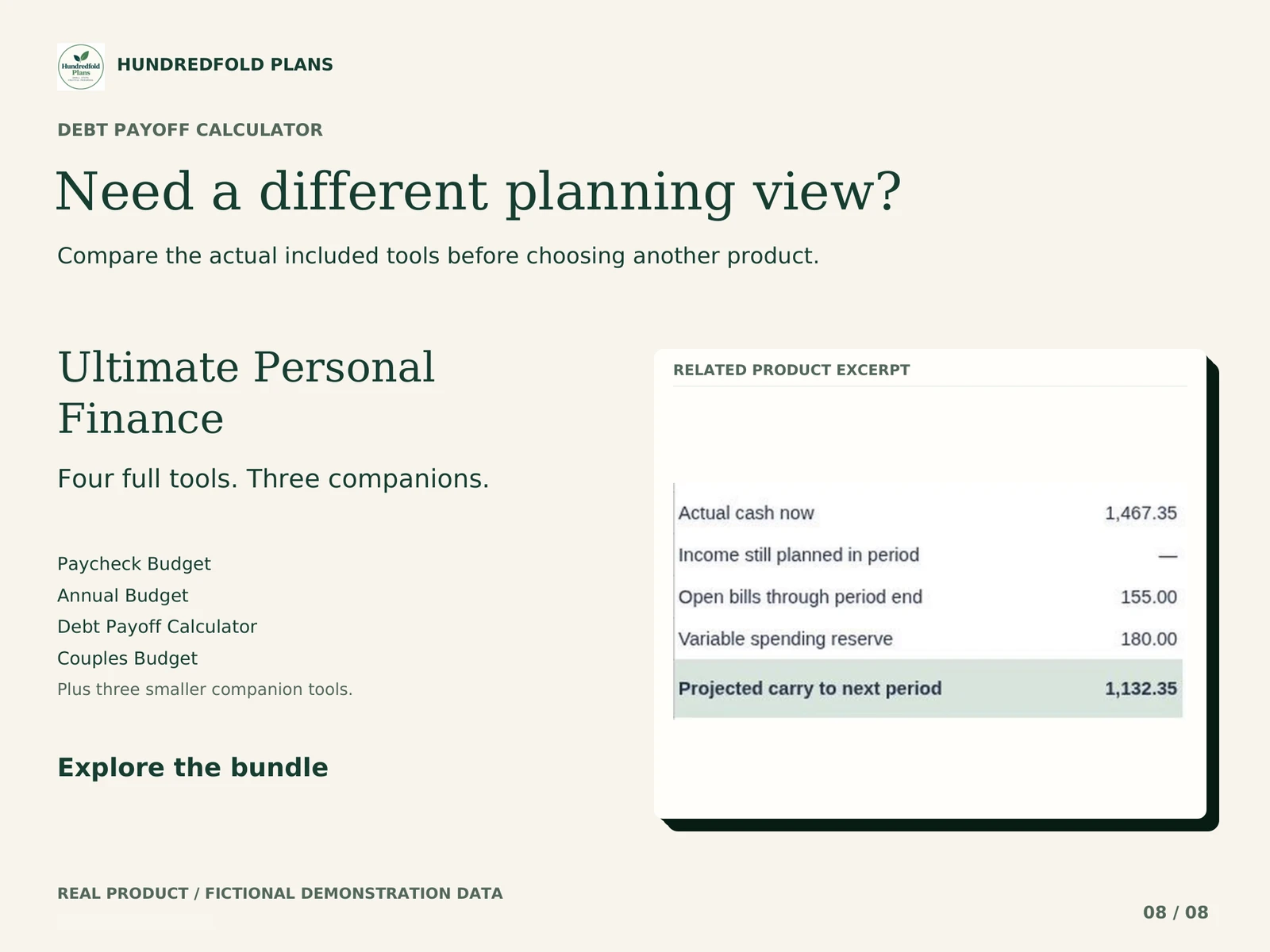
You receive CLEAN and DEMO .xlsx import files, START_HERE_AND_GUIDE.pdf and version notes. If you also need to review daily cash timing, Paycheck Budget is a separate tool and does not transfer results automatically.
Workbook demonstration
What arrives and how to start
Your digital download contains separate CLEAN and fictional DEMO .xlsx files, PDF instructions and version notes. Use CLEAN for your own figures. Keep DEMO as a worked reference and keep the original downloads for a fresh start.
Unzip the download on your computer. Upload CLEAN to your own Google Drive, open it with Google Sheets, and choose File > Save as Google Sheets. Work in the new Google spreadsheet, beginning with START HERE and the amber input cells. Read the step-by-step import guide.
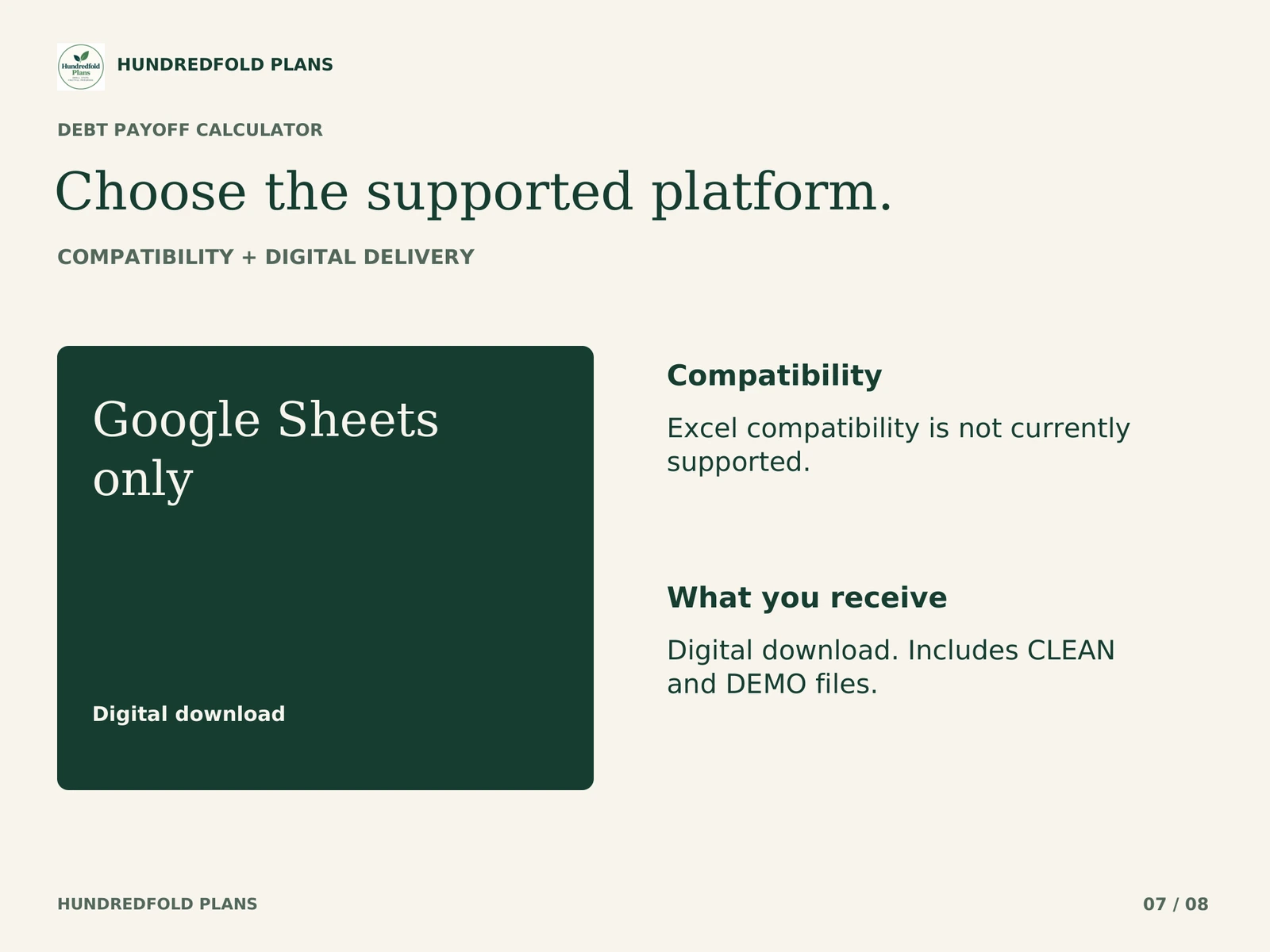
Google Sheets and a Google account are required. The .xlsx files are an import format; Excel is not supported. Apple Numbers and Notion are not supported. Desktop browser setup is recommended; this release is not optimized for phone entry. Use one currency per copy, with no currency conversion. See compatibility and capacity.
Questions before you choose
How do snowball and avalanche differ?
Snowball orders by starting balance, while avalanche orders by APR. Read the worked comparison to see why the same debts can produce different first targets.
Does the final row mean all debts are paid?
No. The model stops after 120 monthly periods. Check any remaining balance and the model warnings before interpreting its estimates.
Can I use changing interest rates or add new purchases?
Those are outside this model. It uses fixed APRs, fixed minimums and monthly interest rounded to cents. It cannot reproduce daily-interest lender statements, fees or later new charges.
Help with the supplied files
For a direct purchase, use the support contact in your Lemon Squeezy receipt; for an Etsy purchase, message the shop through your Etsy order. Include the product name, tab and cell, what you tried, and a screenshot with personal information removed. Support covers the files and import instructions. It does not include personal financial advice or custom bookkeeping.
This is a digital organization or scenario tool. No physical item is shipped, no bank account is connected, and no payment is made for you. Examples use fictional figures and do not promise a financial outcome.