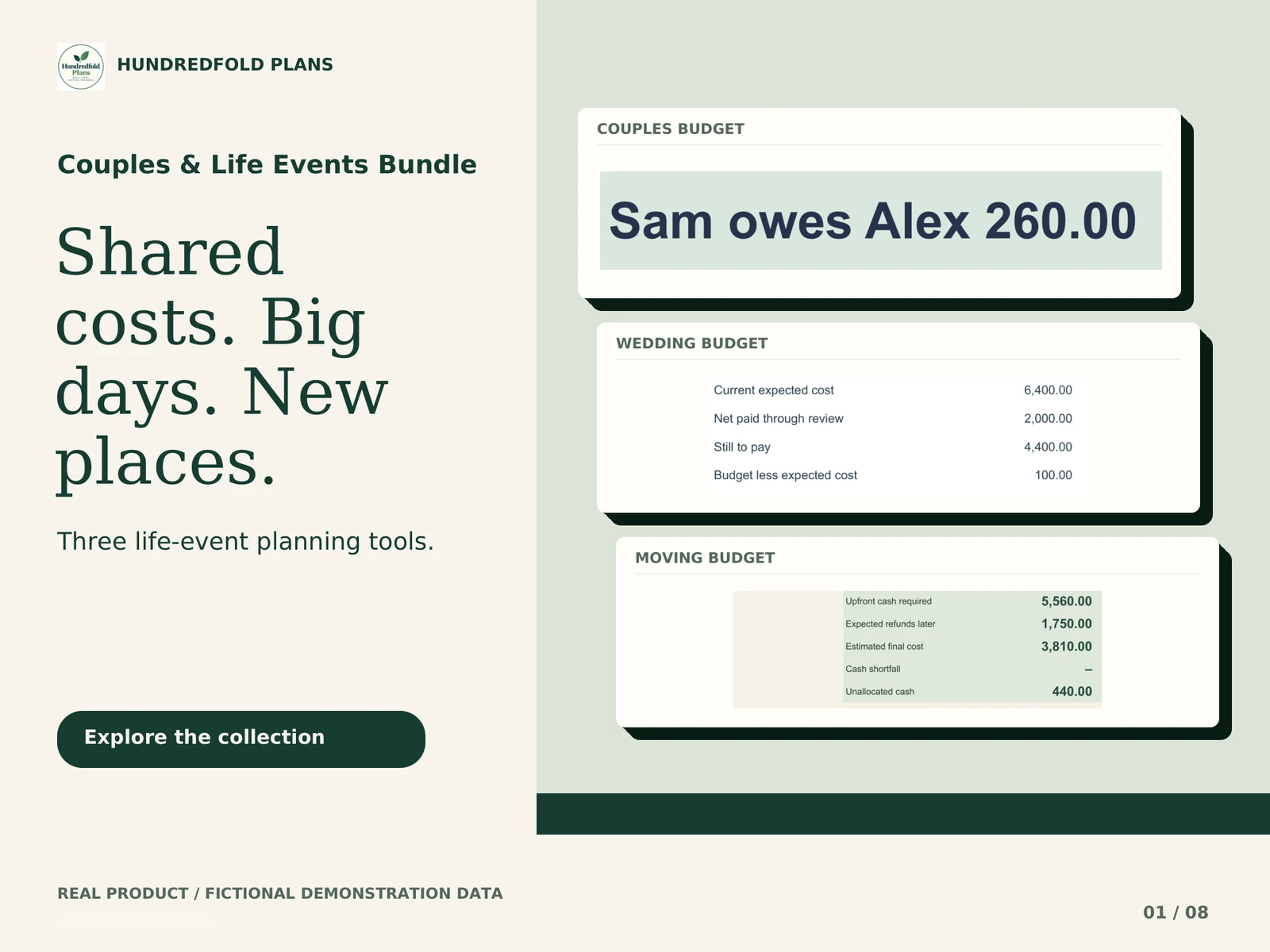



Couples Budget helps two partners keep one agreed record of shared costs. Enter what was shared, who paid, each person's share and completed transfers. Review what remains to settle without recording a partner transfer as another household expense.
Choose and understand your split
Select an equal, income-based or custom default split. Override the share on an individual expense when your agreement differs, including 0% or 100%. These are calculation settings reflecting your agreement; the workbook does not decide what is fair for your household.
Changing the default recalculates rows without an override. If an earlier expense should retain a different split, record that row's override before changing the default. Use one agreed review period per copy.
A settlement is not a new expense
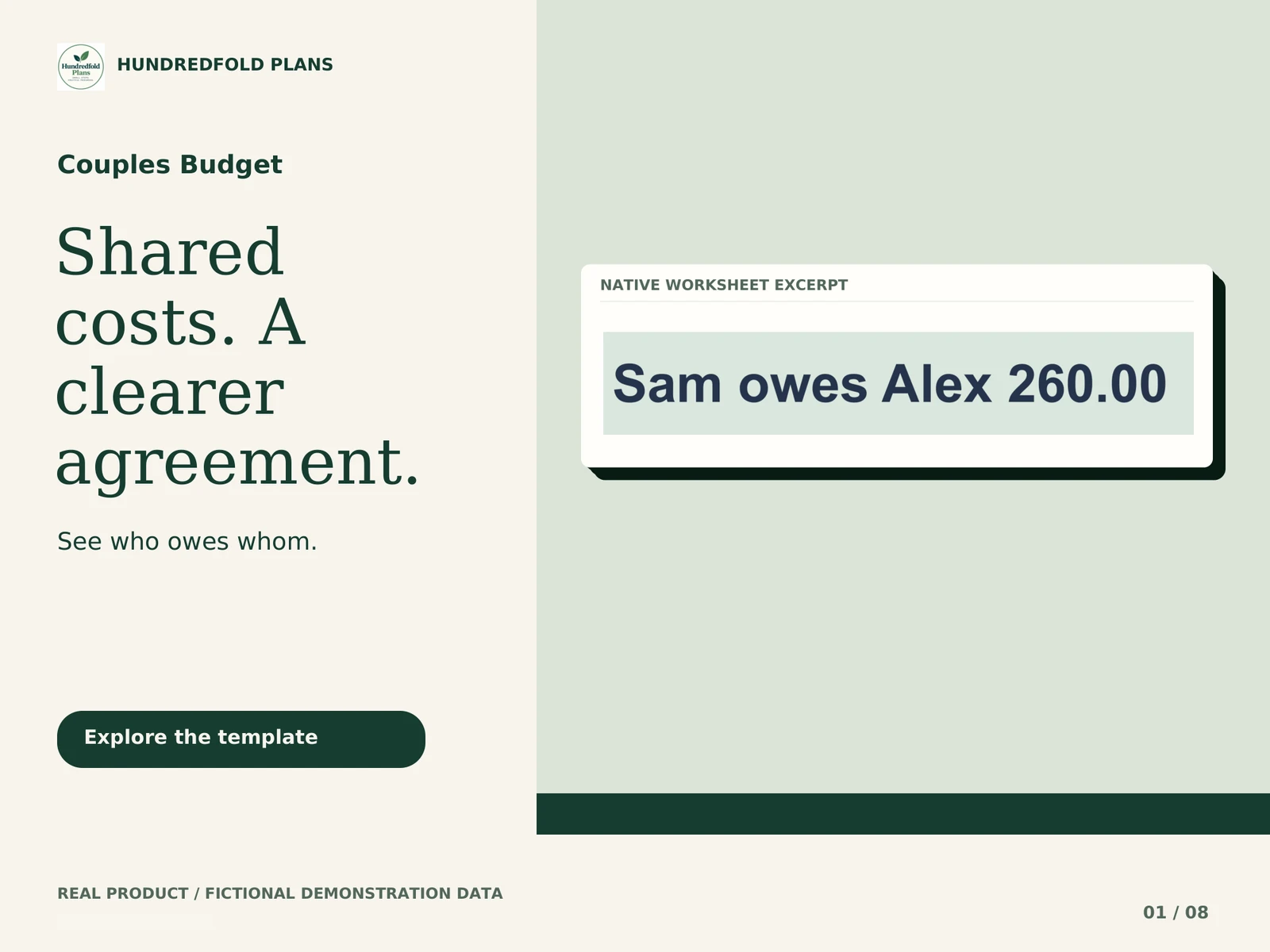
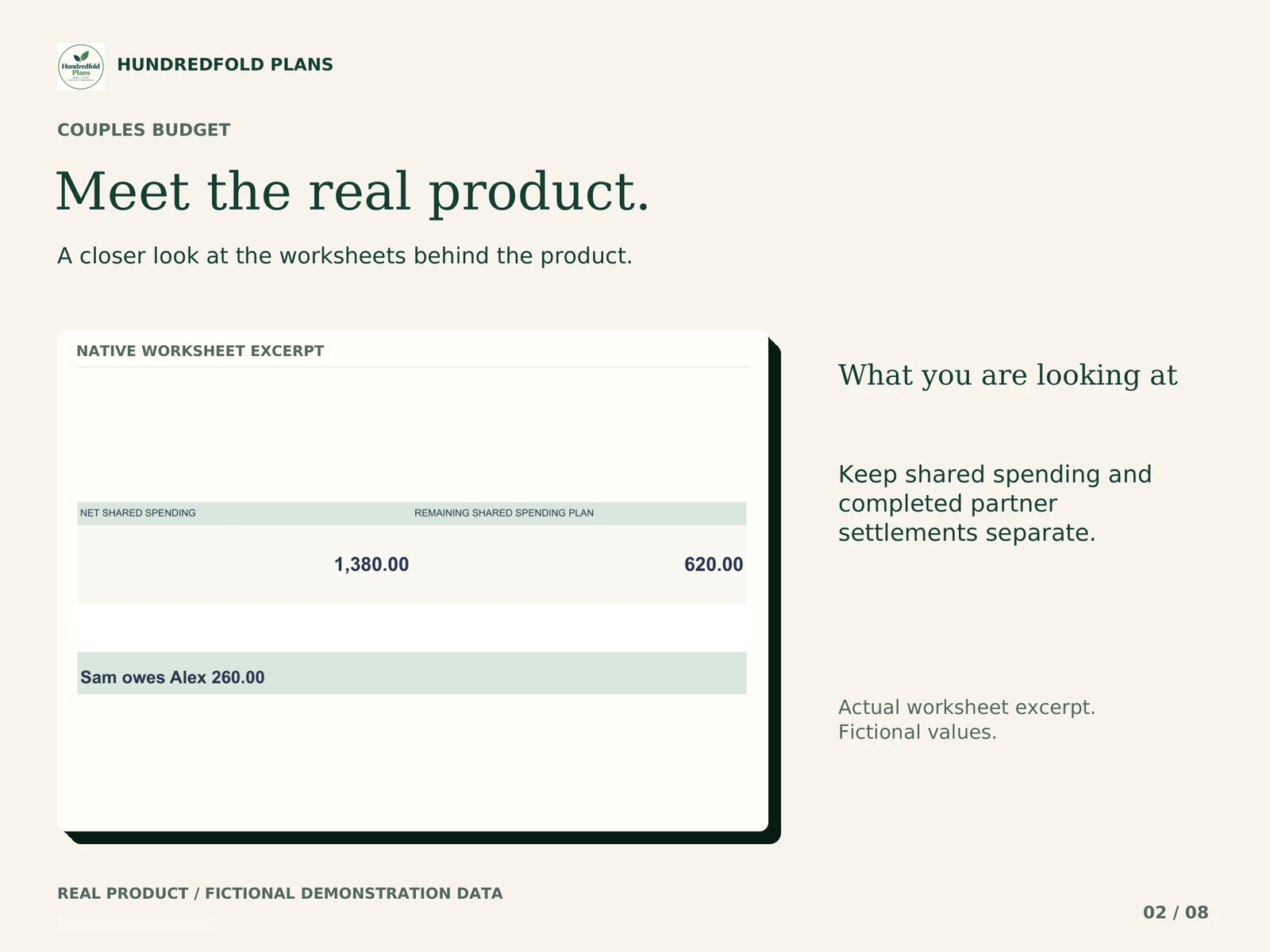
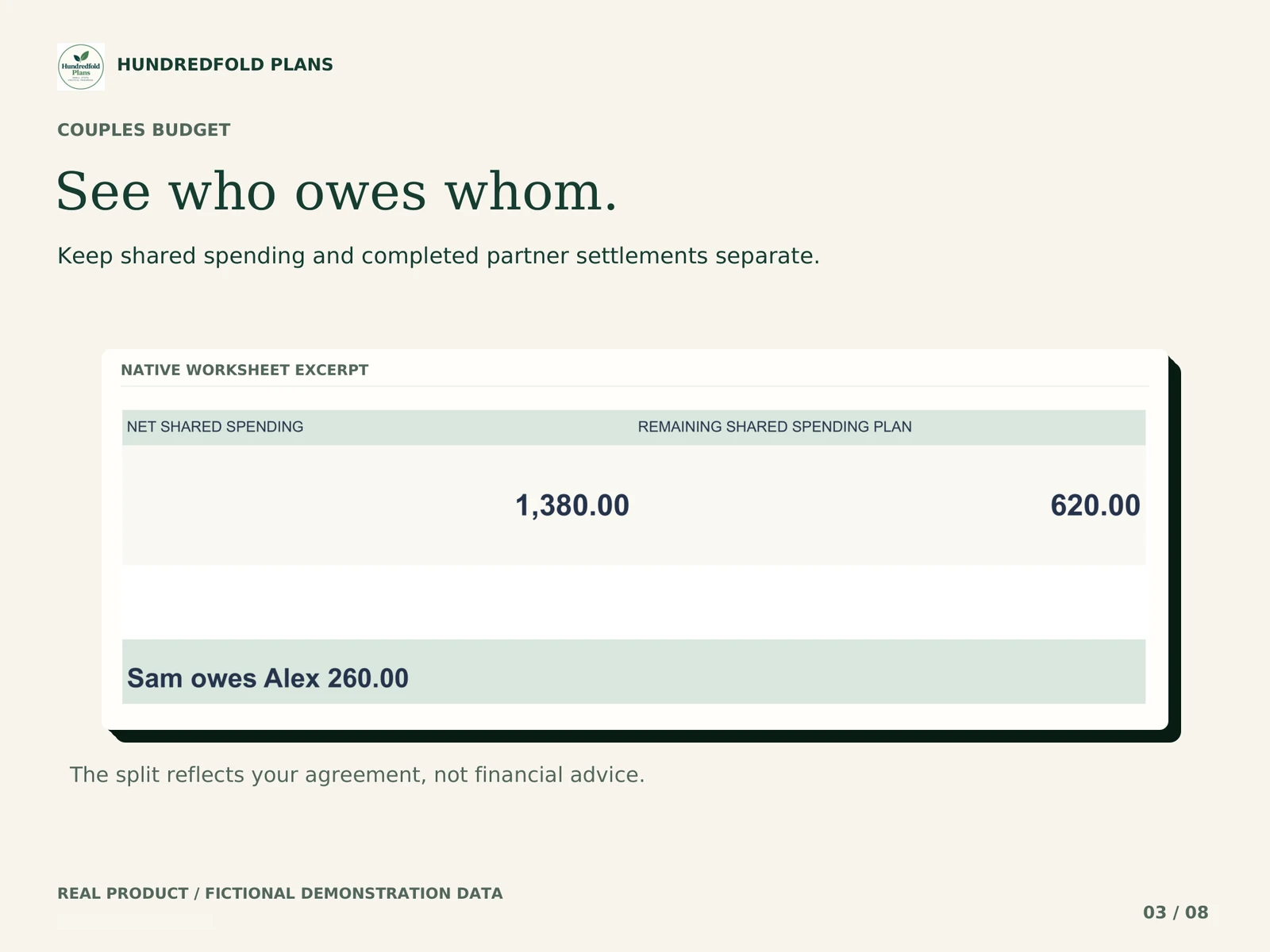
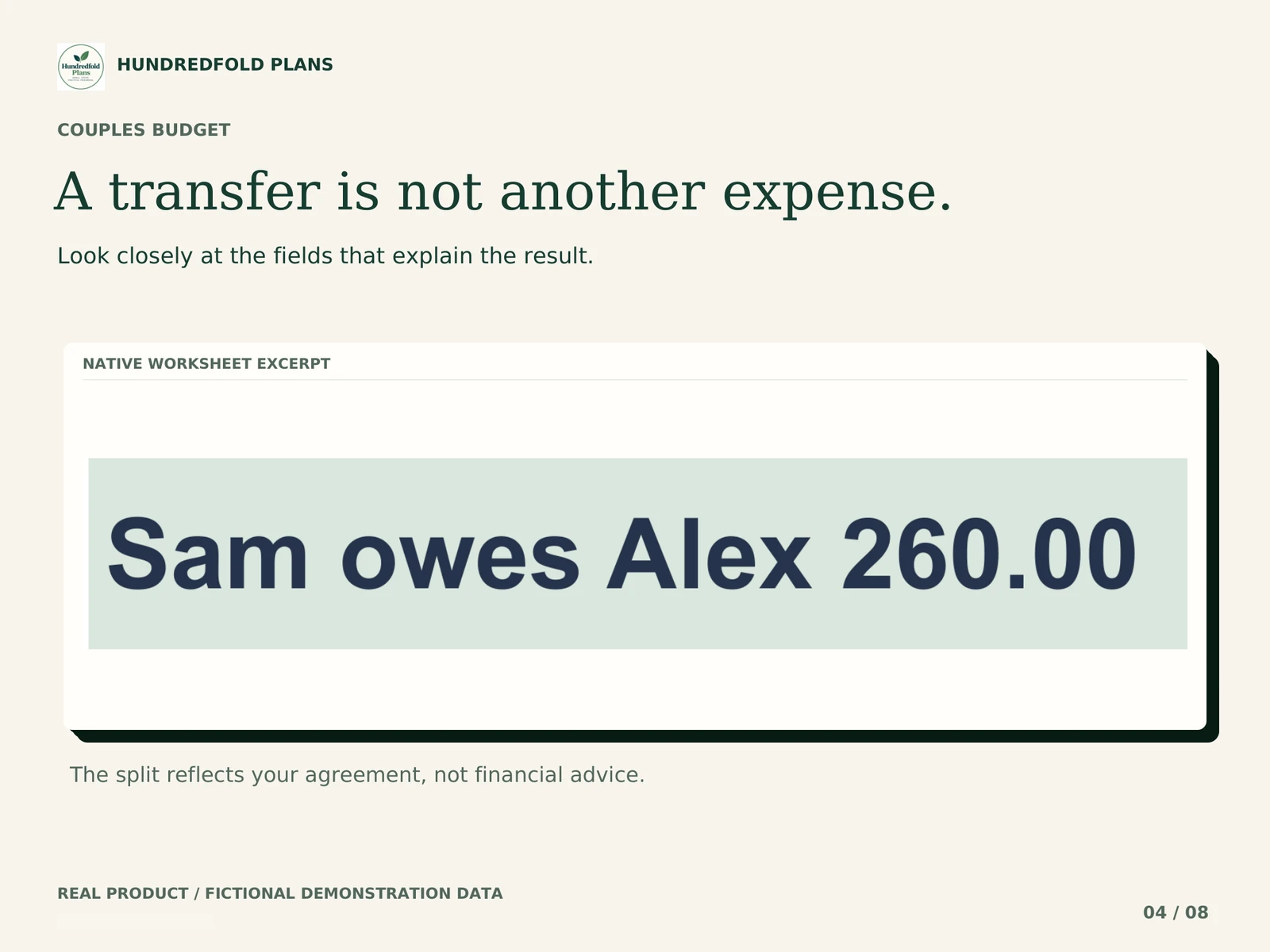
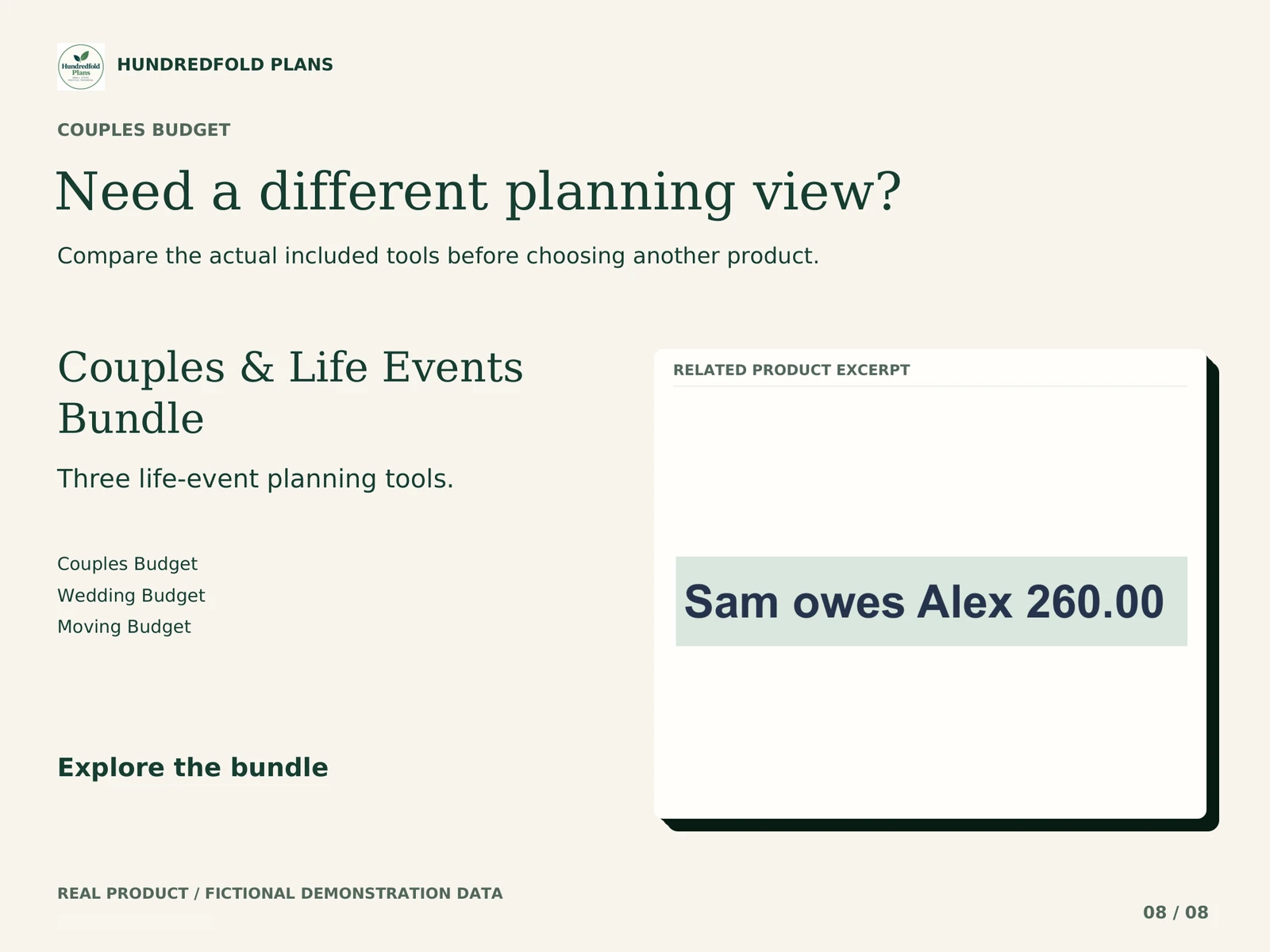
The fictional example shows net shared spending of $1,380. After an initial transfer, Sam still owes Alex $260. In the demonstration, the recorded transfer is changed from $300 to $560. The outstanding settlement becomes zero, while shared spending remains $1,380.
In your own file, record completed transfers in SETTLEMENTS. Enter shared purchases and refunds in SHARED EXPENSES. Keeping the two kinds of entries separate prevents the same household cost from appearing again as a transfer expense.
| Fictional demo measure | Before editing the transfer | After editing the transfer |
|---|---|---|
| Net shared spending | $1,380.00 | $1,380.00 |
| Recorded transfer | $300.00 | $560.00 |
| Still owed by Sam to Alex | $260.00 | $0.00 |
A shared review you can repeat
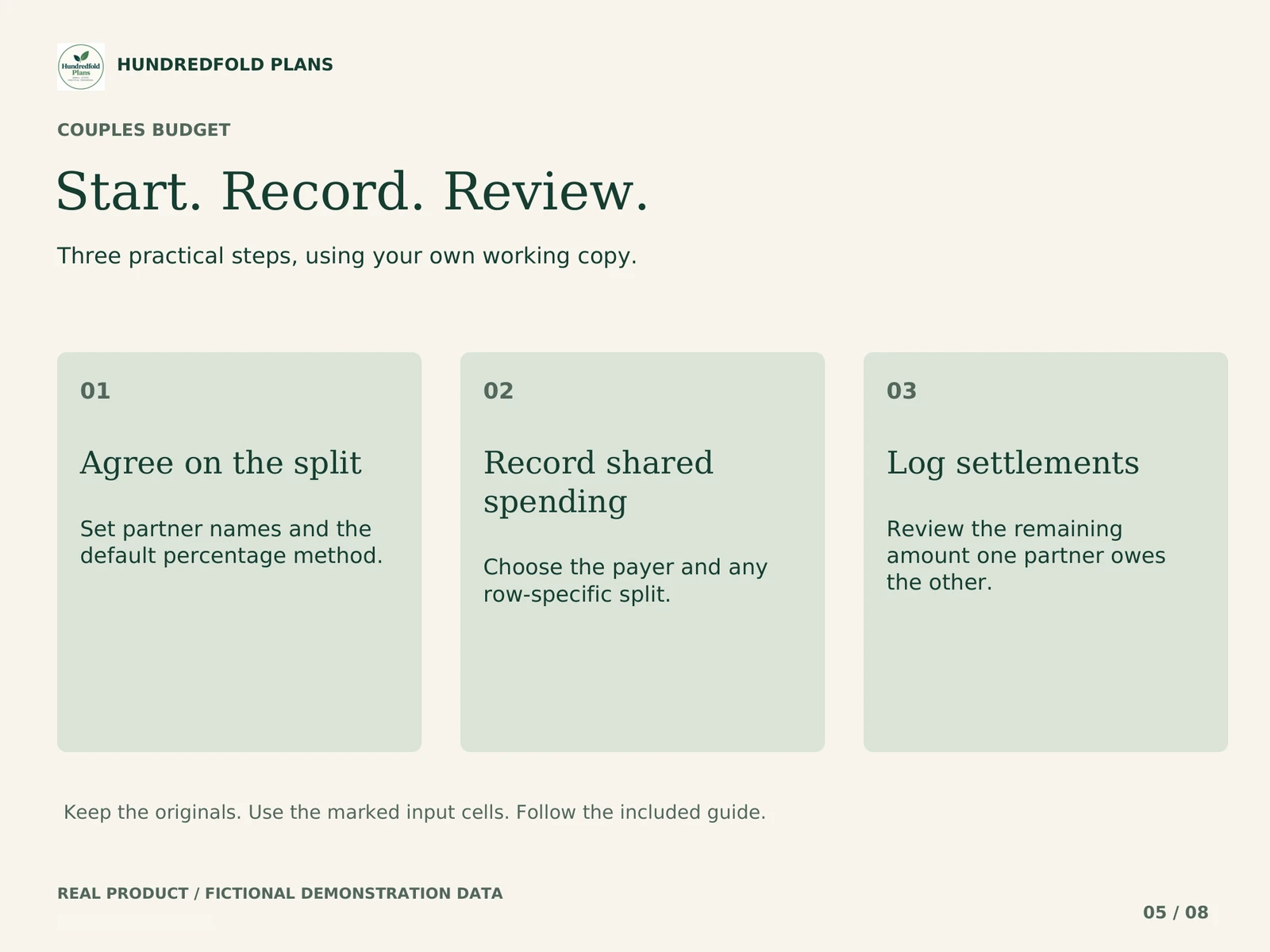
Agree on a review period and default split. Enter shared purchases and refunds with the payer and any row-specific split. Record completed partner transfers separately. Review the remaining settlement together before starting the next period.
What you receive
- Equal, income-based and custom split settings with per-expense overrides.
- Shared expenses and refunds with cents preserved.
- A dashboard showing allocated shares and who owes whom.
- Capacity for 200 shared entries and 60 settlements per copy.
- CLEAN and fictional DEMO import files, START_HERE_AND_GUIDE.pdf and version notes.
Two incomes can mean two different needs
If you want to assign shared costs between partners, this is the relevant tool. If you need to see which bills arrive between two different pay schedules, choose Paycheck Budget. Couples Budget does not track private accounts, connect to banks or move money. The two files do not synchronize.
Compare all four tools before deciding whether you need more than one.
Workbook demonstration
What arrives and how to start
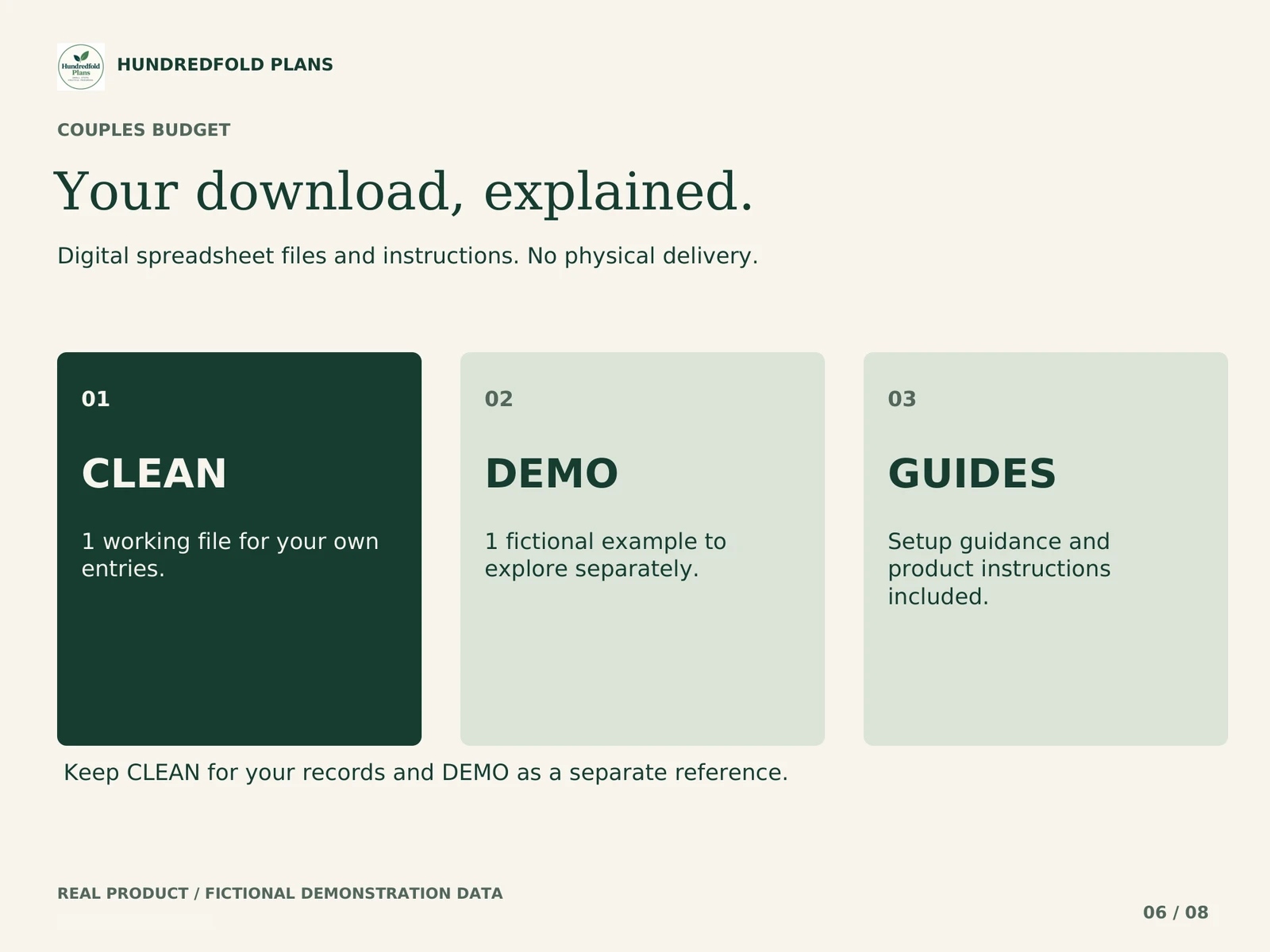
Your digital download contains separate CLEAN and fictional DEMO .xlsx files, PDF instructions and version notes. Use CLEAN for your own figures. Keep DEMO as a worked reference and keep the original downloads for a fresh start.
Unzip the download on your computer. Upload CLEAN to your own Google Drive, open it with Google Sheets, and choose File > Save as Google Sheets. Work in the new Google spreadsheet, beginning with START HERE and the amber input cells. Read the step-by-step import guide.
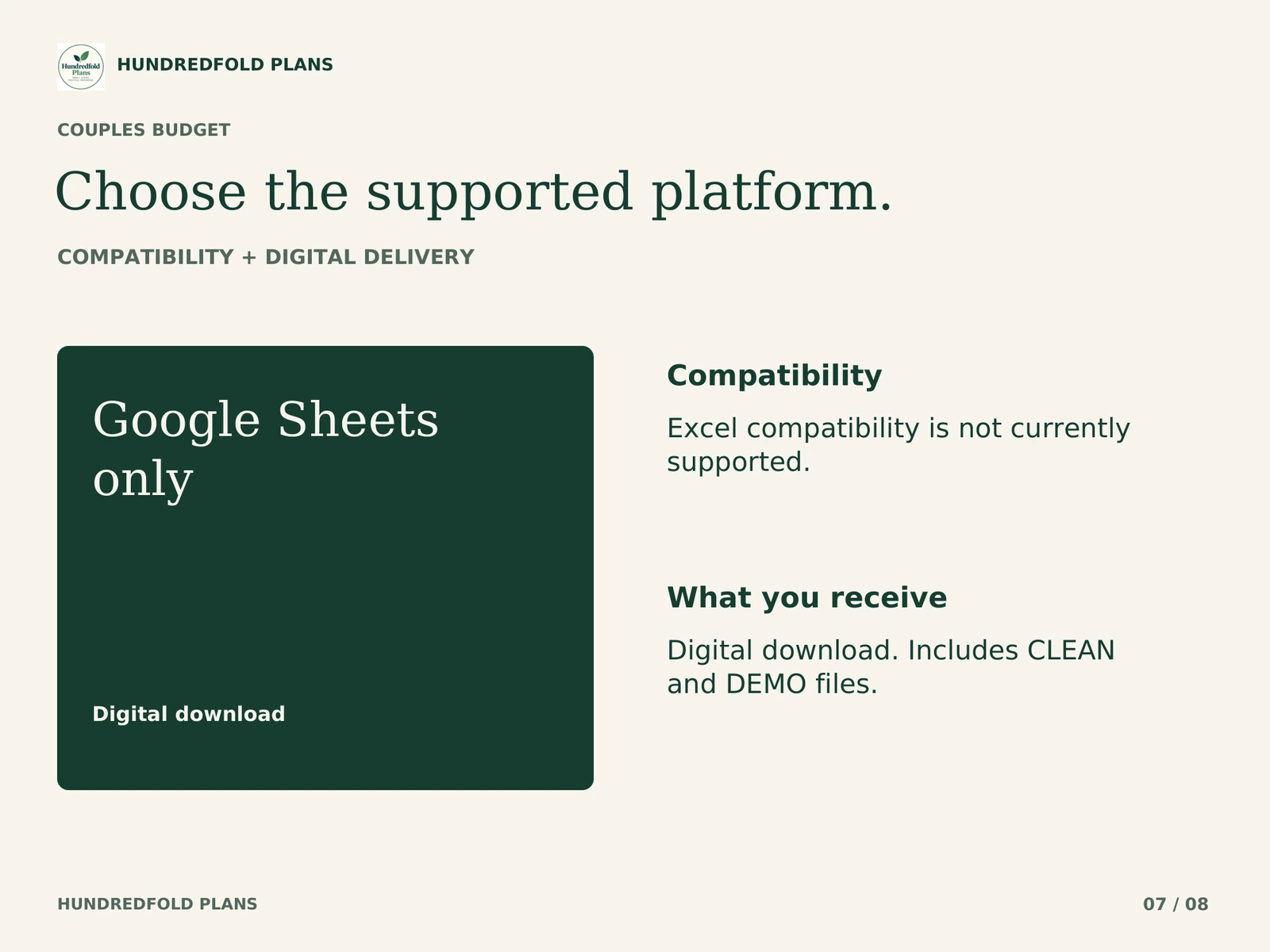
Google Sheets and a Google account are required. The .xlsx files are an import format; Excel is not supported. Apple Numbers and Notion are not supported. Desktop browser setup is recommended; this release is not optimized for phone entry. Use one currency per copy, with no currency conversion. See compatibility and capacity.
Questions before you choose
Do both partners have to earn the same amount?
No. You can agree on equal, income-based or custom shares, with overrides for individual expenses. The file calculates the agreement you enter; it does not choose the agreement for you.
Where does a transfer to my partner go?
Record completed transfers in SETTLEMENTS. Shared purchases and refunds belong in SHARED EXPENSES. The shared-expenses guide shows a worked split and transfer without counting the cost twice.
Can we change our default split later?
Yes, but rows without an override recalculate under the new default. Preserve an earlier row's agreed share with its override before changing the default, or keep separate copies for separate review periods.
Help with the supplied files
For a direct purchase, use the support contact in your Lemon Squeezy receipt; for an Etsy purchase, message the shop through your Etsy order. Include the product name, tab and cell, what you tried, and a screenshot with personal information removed. Support covers the files and import instructions. It does not include personal financial advice or custom bookkeeping.
This is a digital organization or scenario tool. No physical item is shipped, no bank account is connected, and no payment is made for you. Examples use fictional figures and do not promise a financial outcome.