
Debt & Bills / Digital spreadsheet
Subscription Cost and Renewal Tracker
Bring recurring services into one review so you can compare their ongoing cost and see what renews next. Keep current service status separate from changes you intend to make.
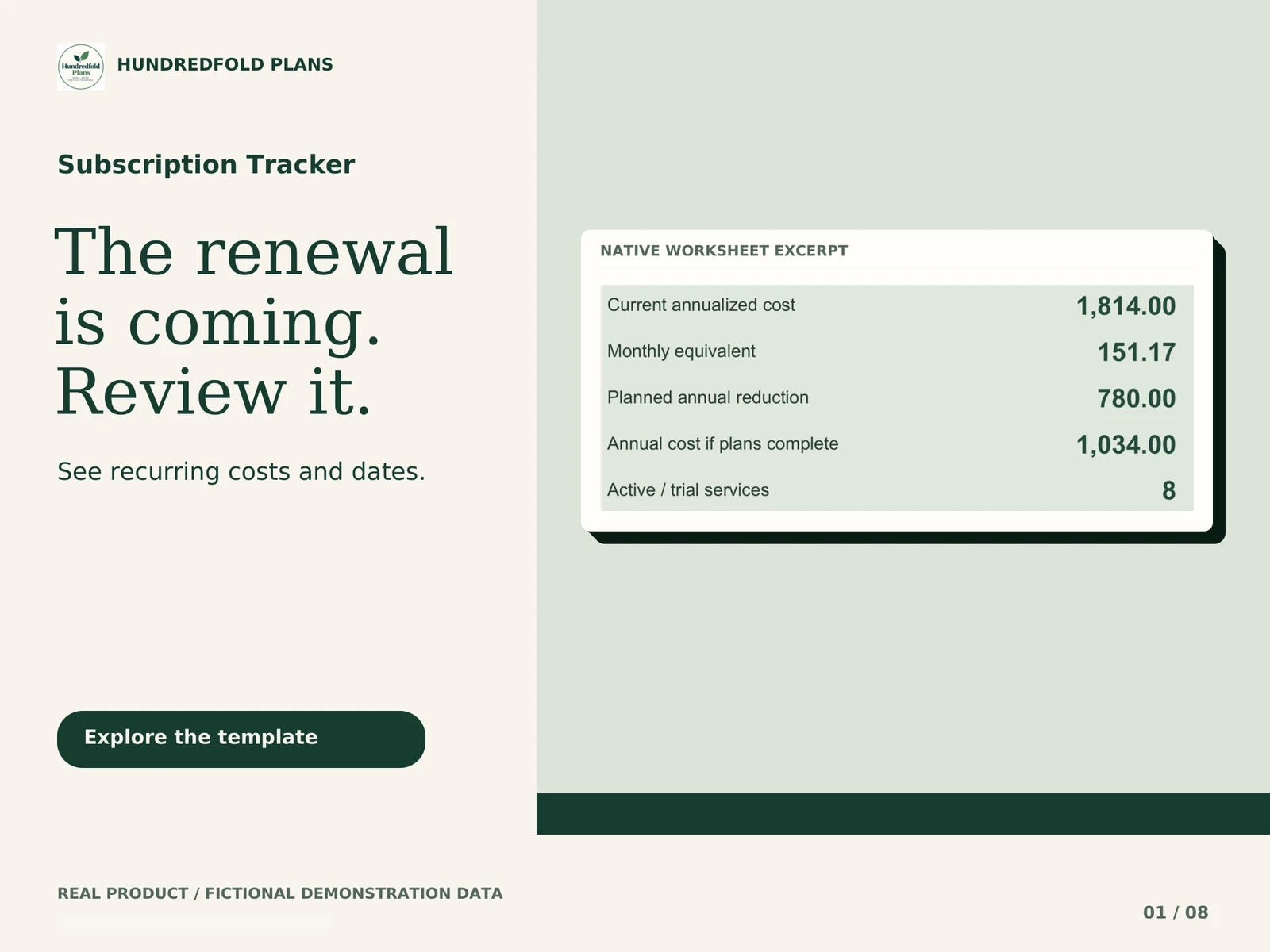
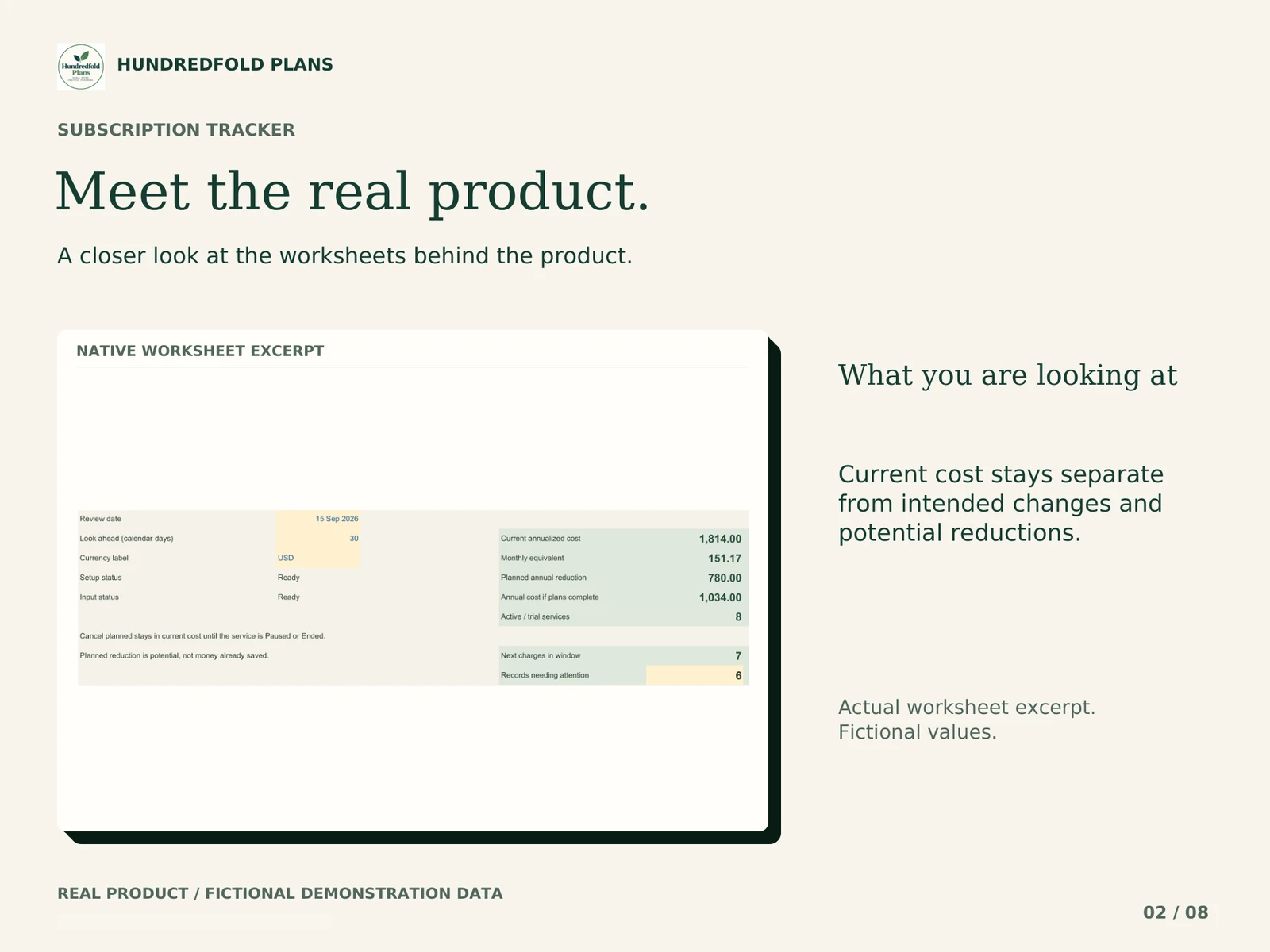
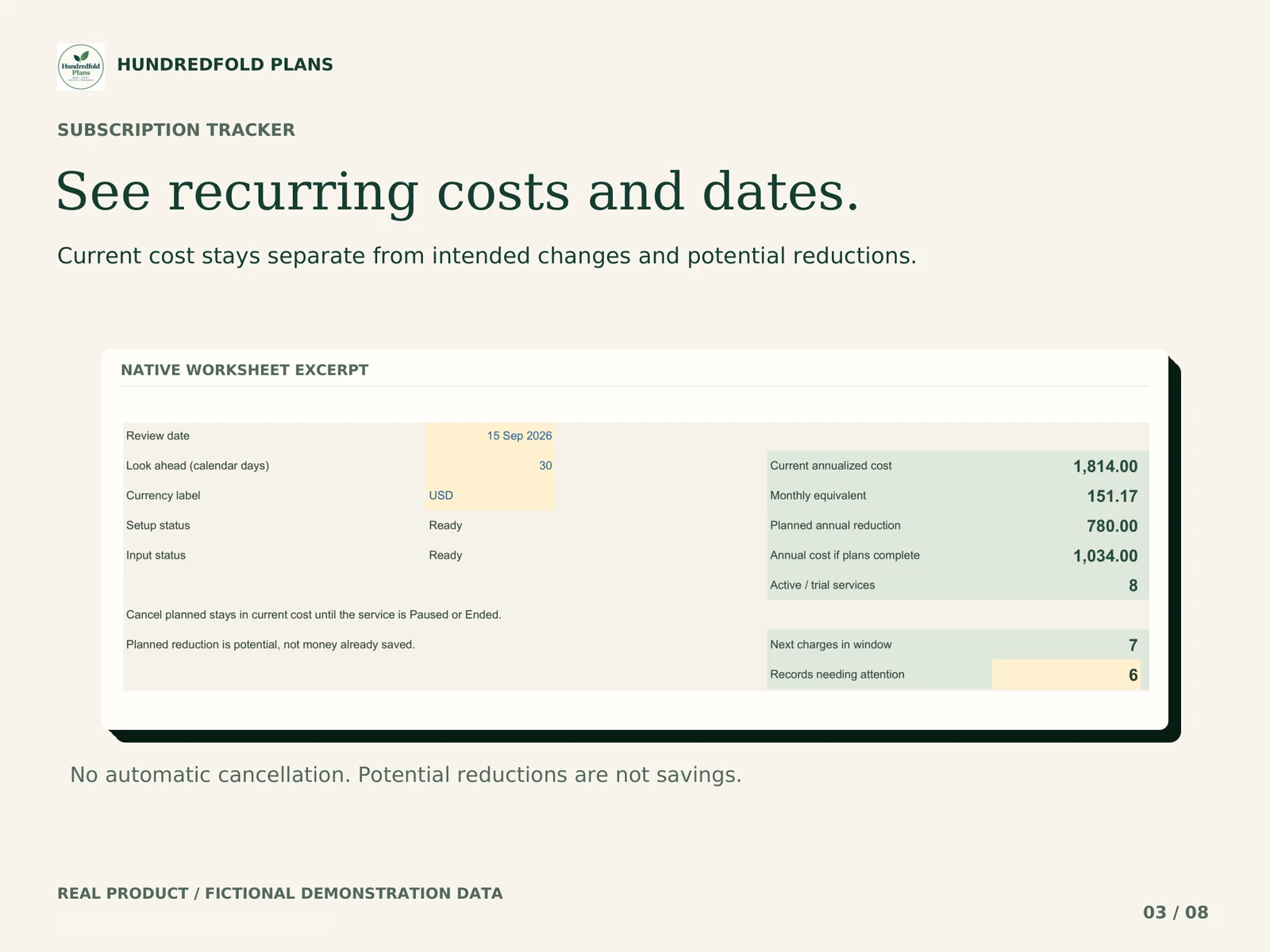
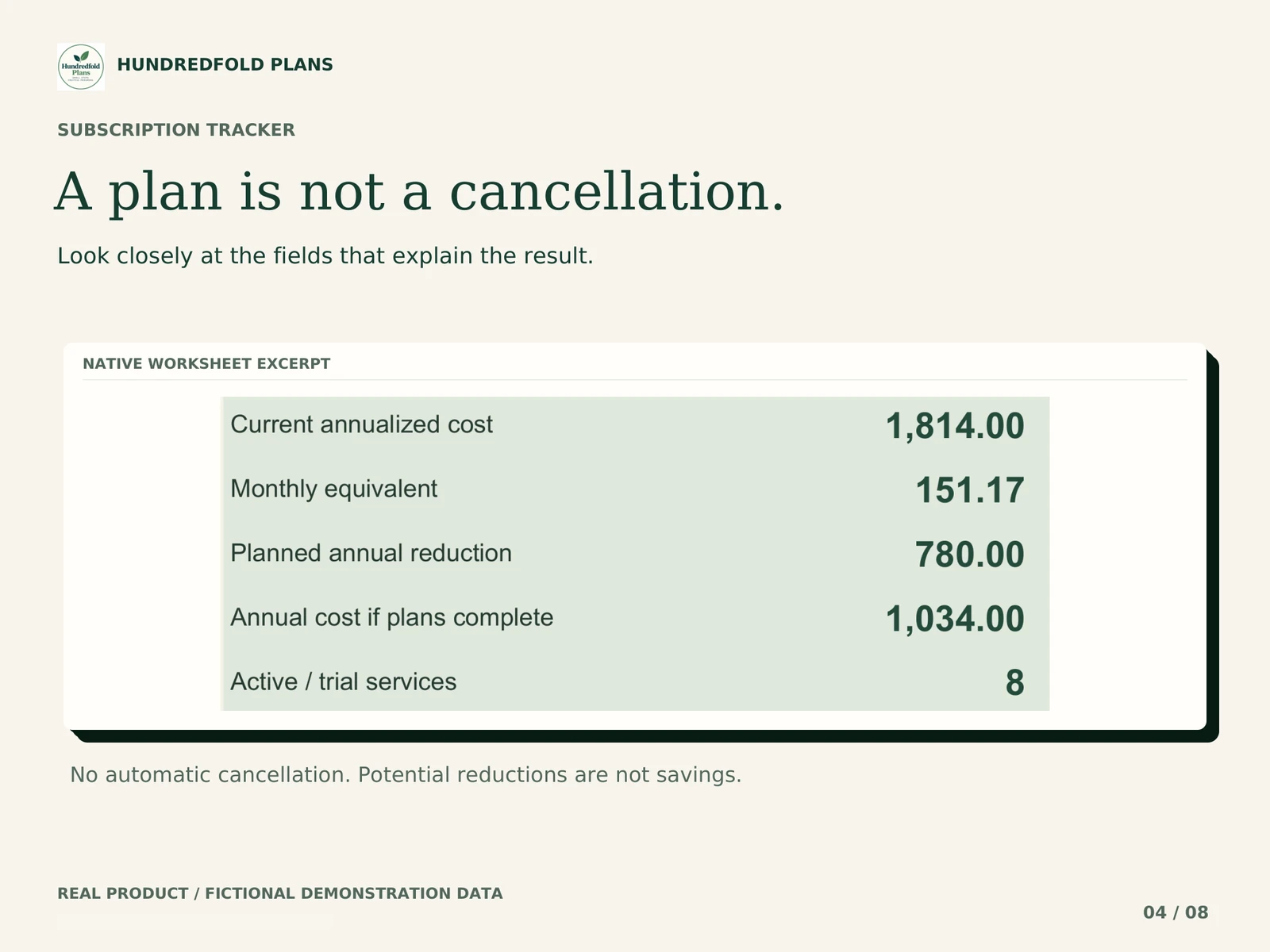
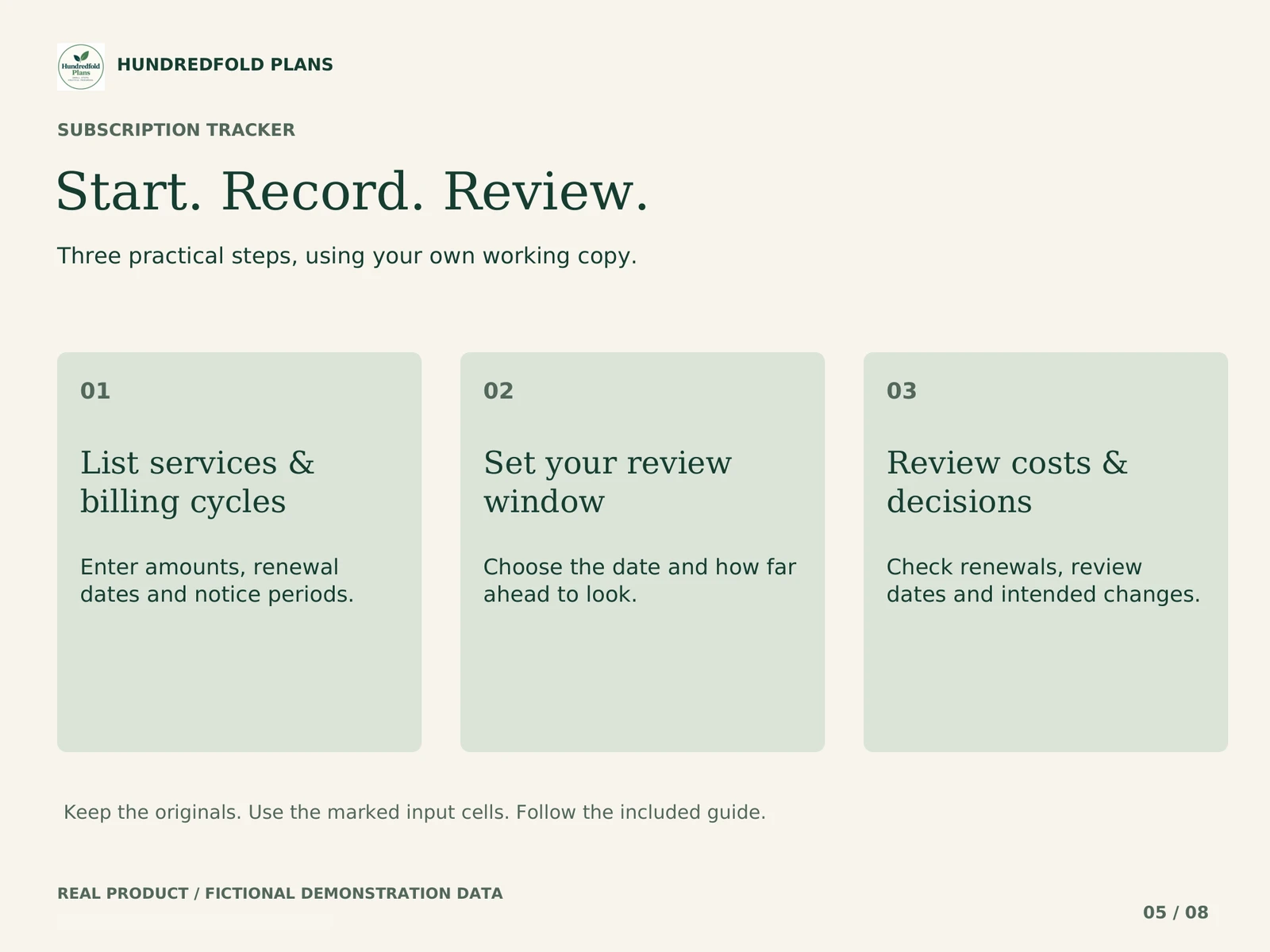
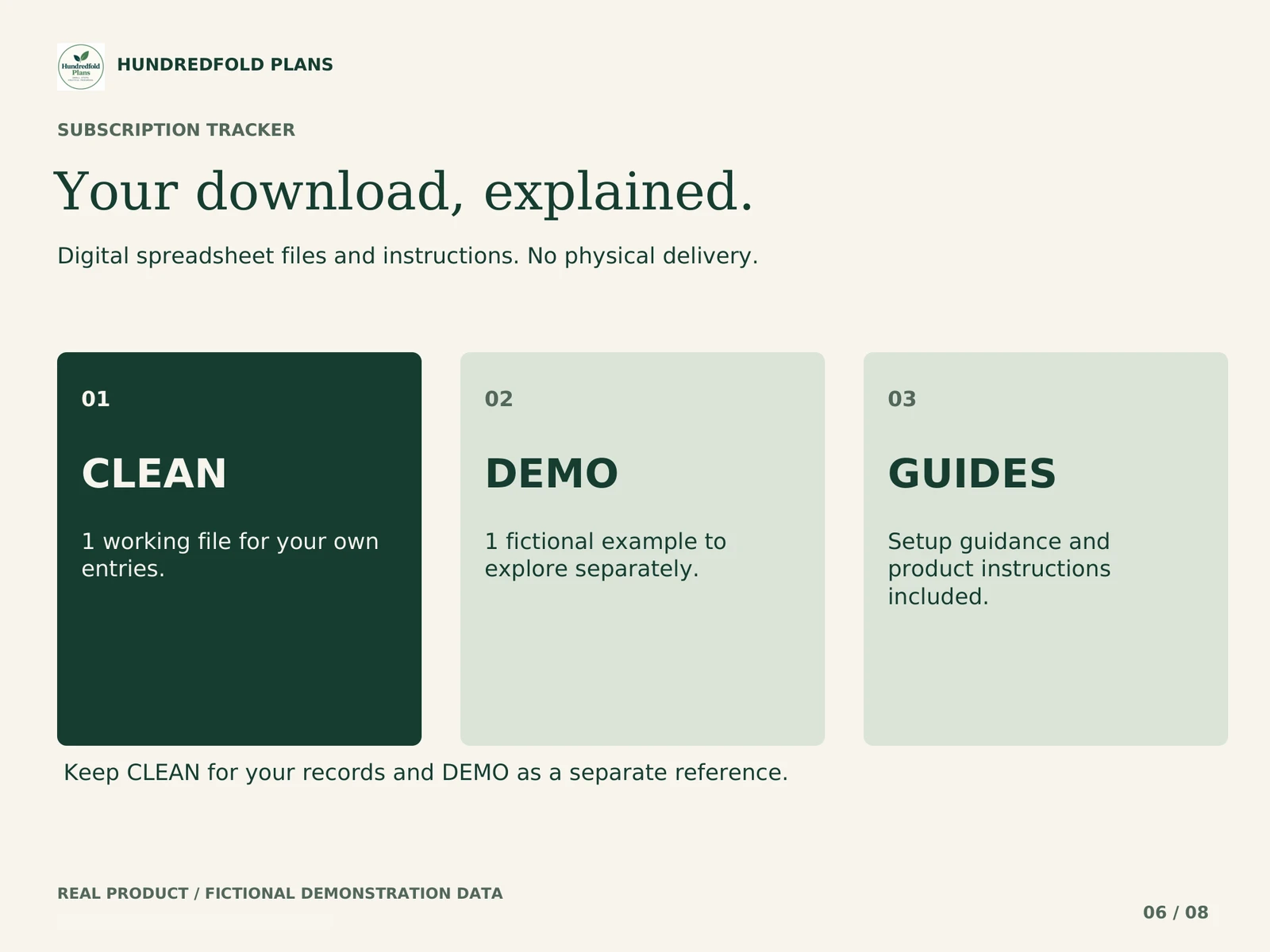



Real workbook previews · Fictional example data · Swipe to browse, select an image to enlarge.
- 60 services
- Renewal review
- Notice buffers
$7.90 USD
Base USD price. Final total and any applicable tax appear at checkout.
BUY NOW- Instant digital delivery
- Secure Lemon checkout
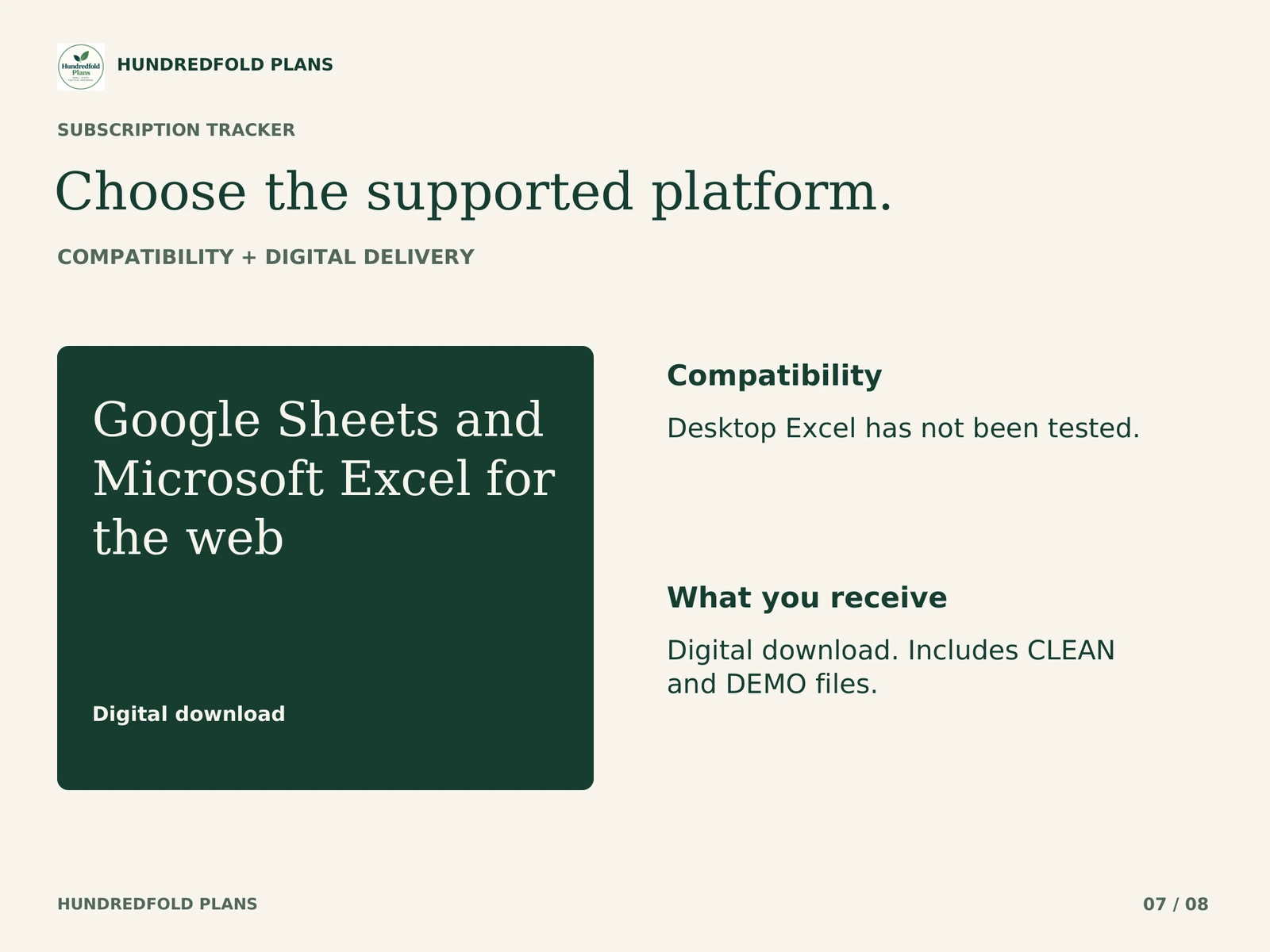
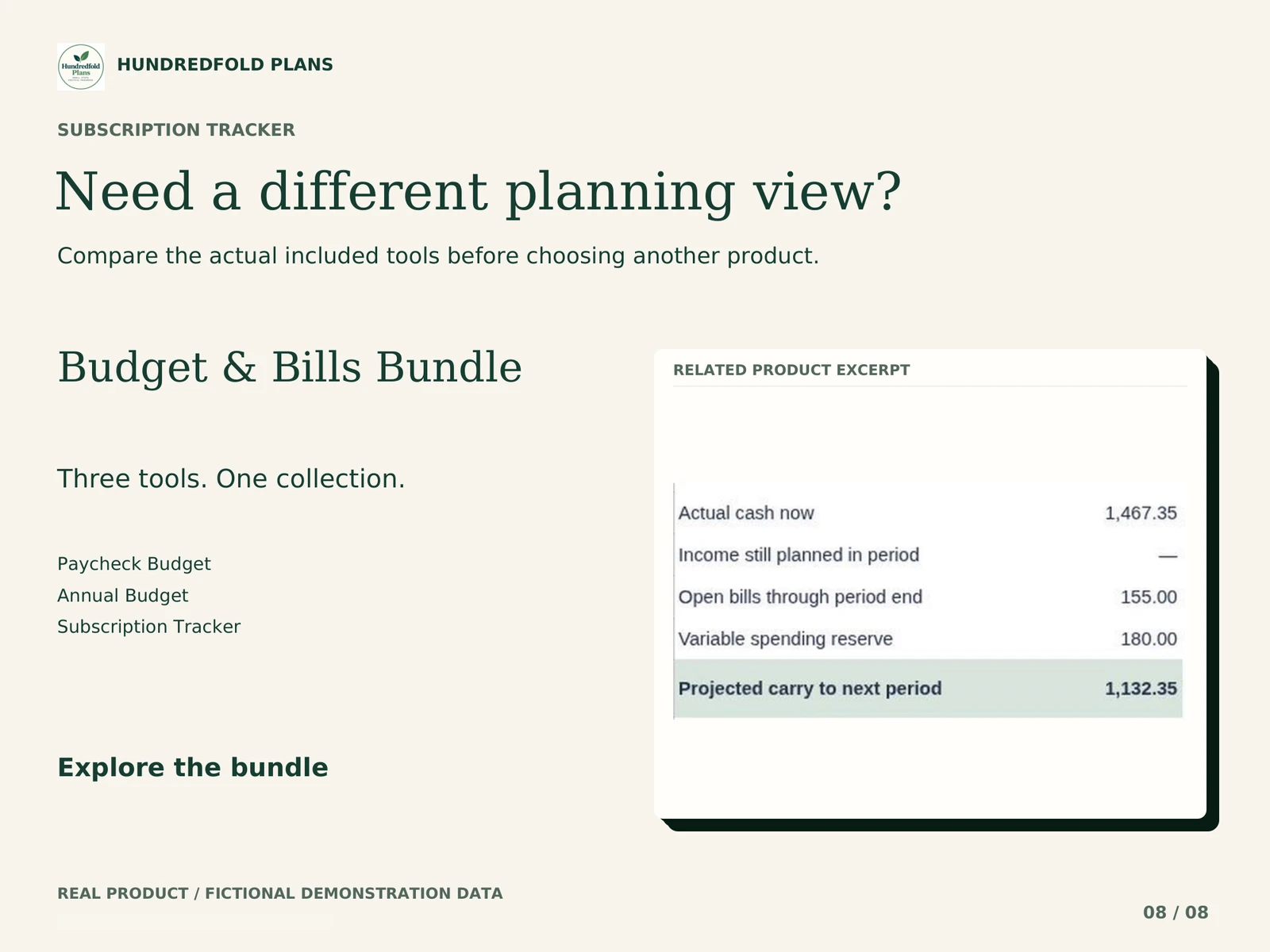
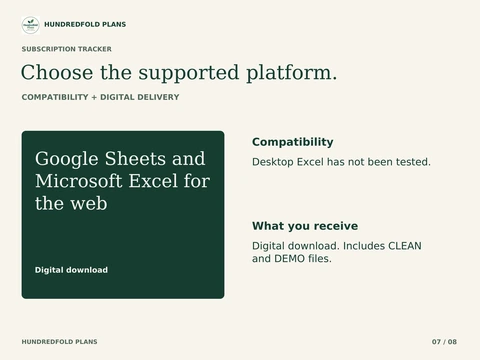
Google Sheets and Microsoft Excel for the web
Desktop Excel has not been tested.
Check software & setup detailsDigital download. Includes CLEAN and DEMO files. No physical item. Your download is available after payment, with access through your order confirmation.
A focused workflow
Make the next review clearer.
Keep recurring services together
60 entries with five billing-cycle choices.
Compare recurring costs
Annualized and monthly-equivalent planning views.
Review renewals ahead
A lookahead window and your chosen notice buffers.
Keep decisions separate
Current service status is distinct from cancellation intent.
No automatic cancellation or payment. Potential reductions are not actual savings.
Inside the spreadsheet
A closer look at the real files.
Getting started
One clear step at a time.
01
List services & billing cycles
Enter amounts, renewal dates and notice periods.
02
Set your review window
Choose the date and how far ahead to look.
03
Review costs & decisions
Check renewals, review dates and intended changes.
Before you choose
A few useful details.
What does this tool include?
Keep recurring services together: 60 entries with five billing-cycle choices. Compare recurring costs: Annualized and monthly-equivalent planning views. Review renewals ahead: A lookahead window and your chosen notice buffers. Keep decisions separate: Current service status is distinct from cancellation intent.
What should I check before choosing it?
No automatic cancellation or payment. Potential reductions are not actual savings.
Which spreadsheet app can I use?
Google Sheets and Microsoft Excel for the web. Desktop Excel has not been tested. Use separate Google and Microsoft working copies; they do not sync.
How do I receive my files?
For direct purchases, Lemon Squeezy processes checkout and provides access to the ZIP after payment. Open the link in your confirmation email, extract the ZIP on a computer and follow the included guide. Etsy orders remain accessible through Etsy.
Are the previews real?
The gallery shows the actual supplied workflow using fictional demonstration data. Use CLEAN for your own entries and keep DEMO separate.
Will this connect to my bank or other tools?
No. Entries are manual. Separate workbooks and copies do not automatically synchronize or make payments.
What if I need help?
For a direct purchase, use the support contact in your Lemon Squeezy receipt. For an Etsy purchase, message the shop through your Etsy order. Include the product name, tab, cell and a fictional example of the issue.
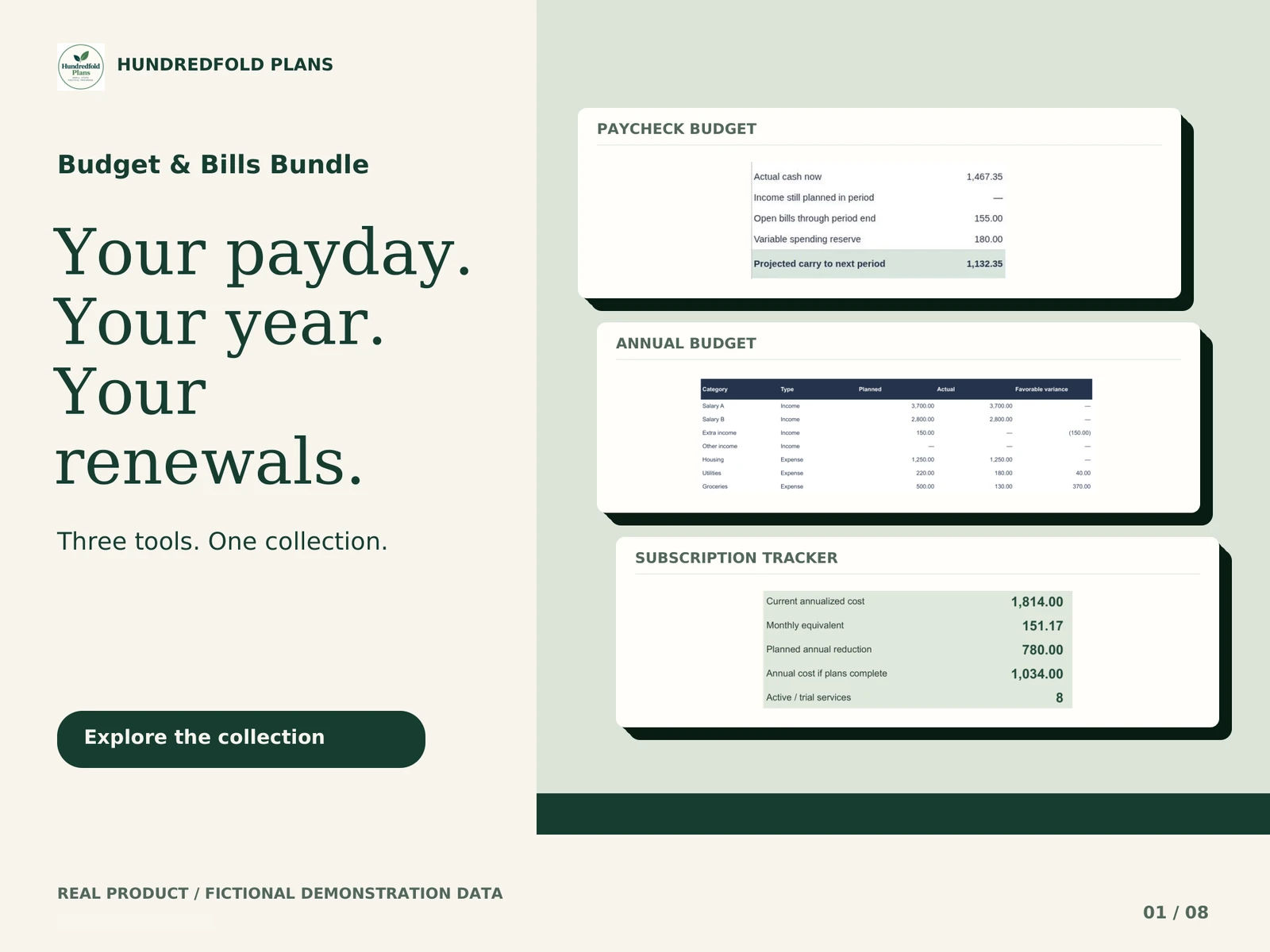
Need the complete system?
Budget & Bills Bundle
Includes Subscription Cost & Renewal Planner with Paycheck Budget, Annual Budget. Check the full contents before buying.
Related tools
Continue at your own pace.
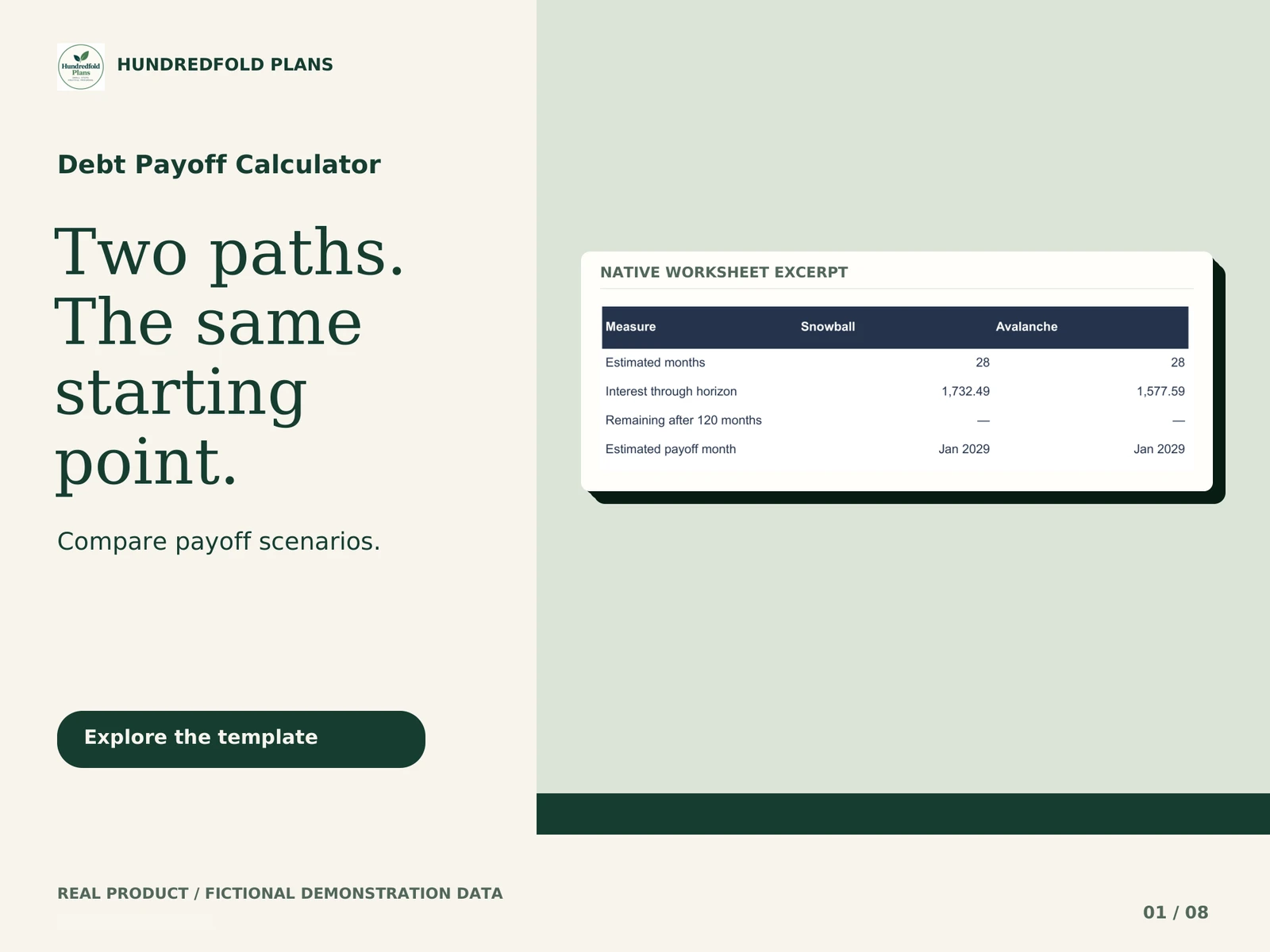
$7.90 USDDigital download · Secure checkout
BUY NOW